When we add a 3D element over a 2D video, it merges the beauty. As it is a computer generated image, even if the matched the lighting, it still look unreal if we just merge it as it is, therefore we need to make integration, using the different passes of textures and lighting in order to merge them over the beauty or use them as a mask for grading.
We can clearly see the difference without and with integration.
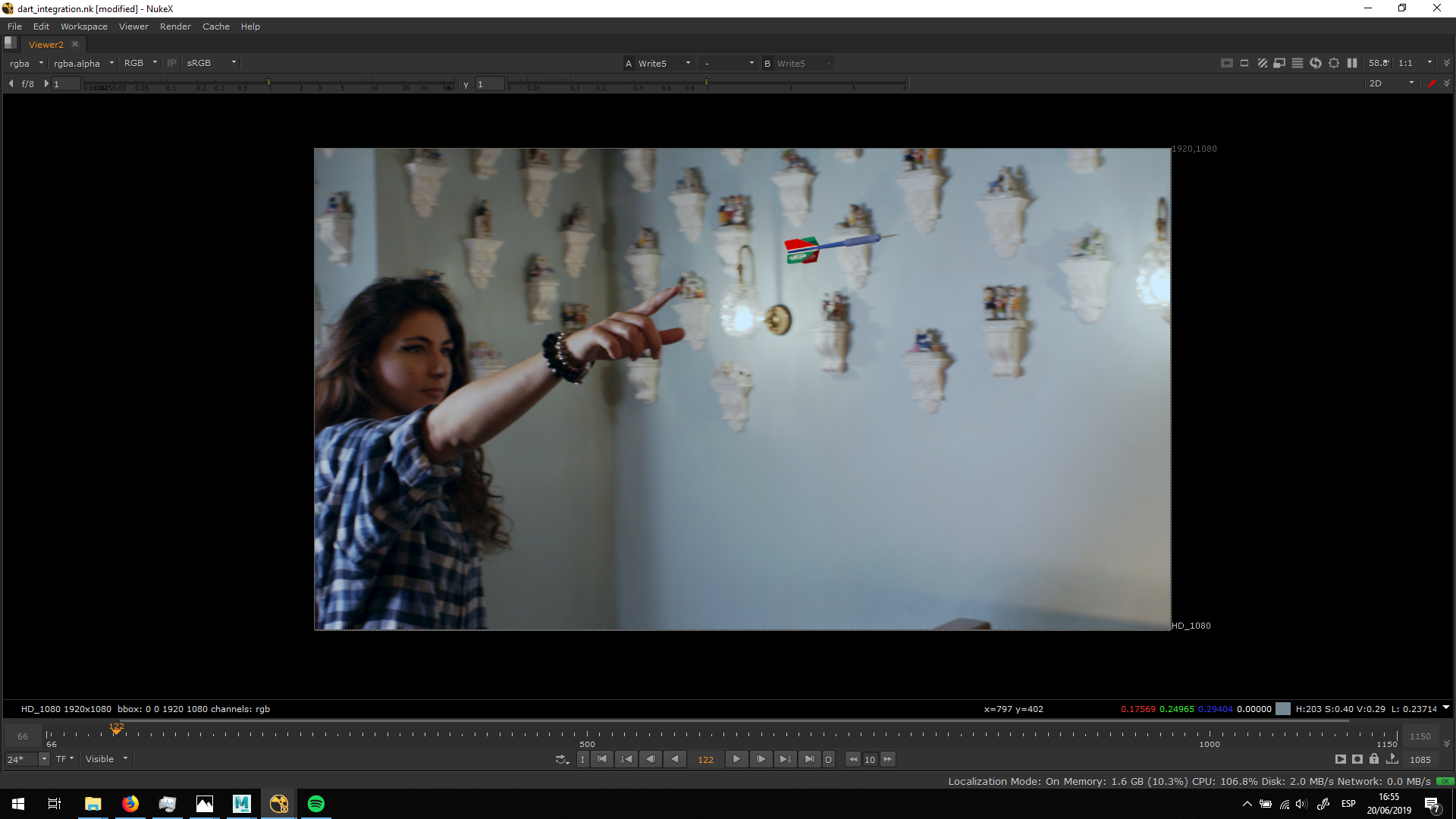
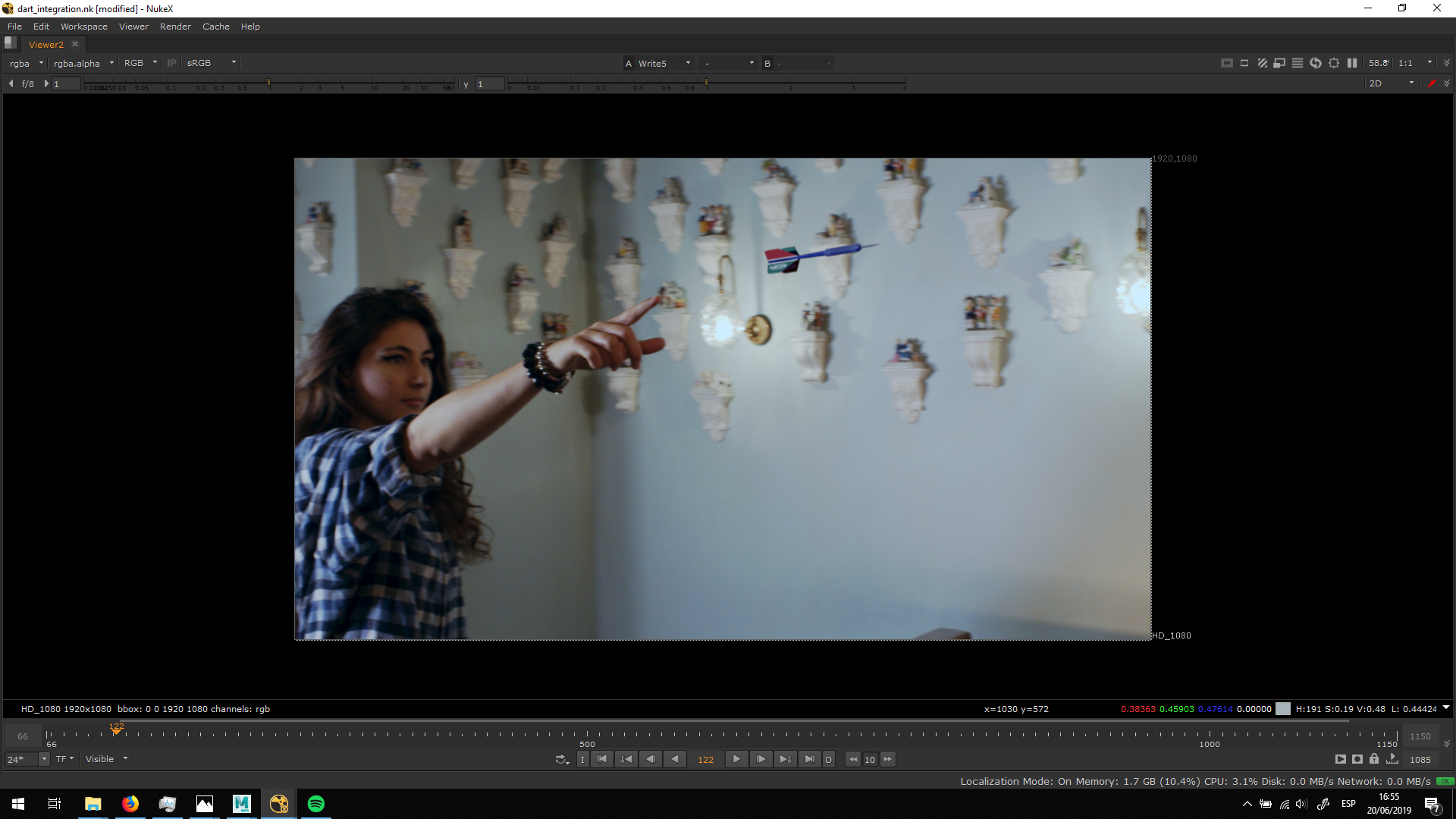
The first thing we need to do when we have an element to integrate is Unpremuntiply it, do the integration and then premultiply it again.
For the integration, we first will need to shuffle all the passes that we might be using, and explore them in order to grade certain areas or generate the alpha channels that we want to, as we see in the case of the diffuse and the diffuse albedo, in which we substracted both passes order to work with the difference between them.
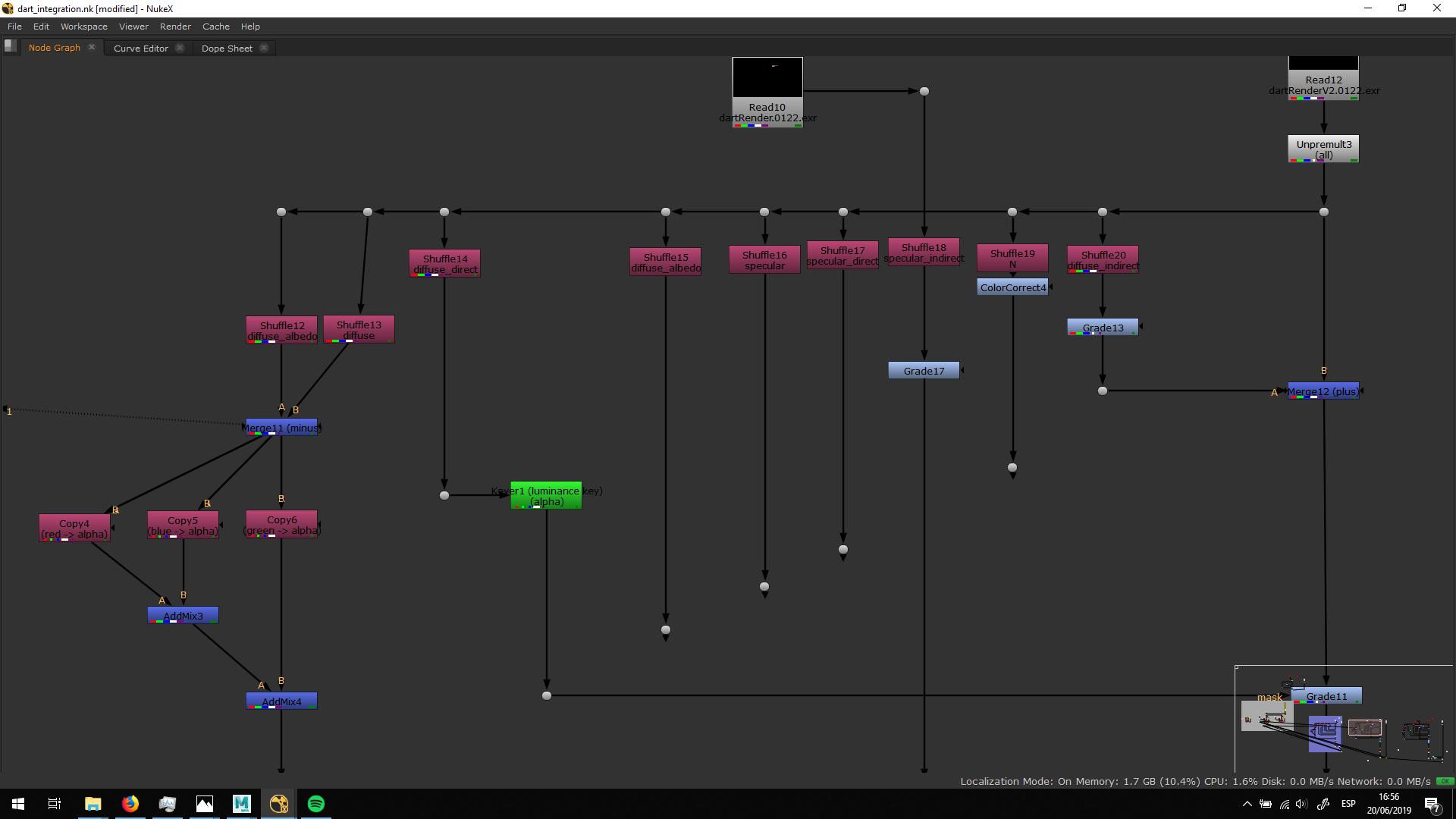
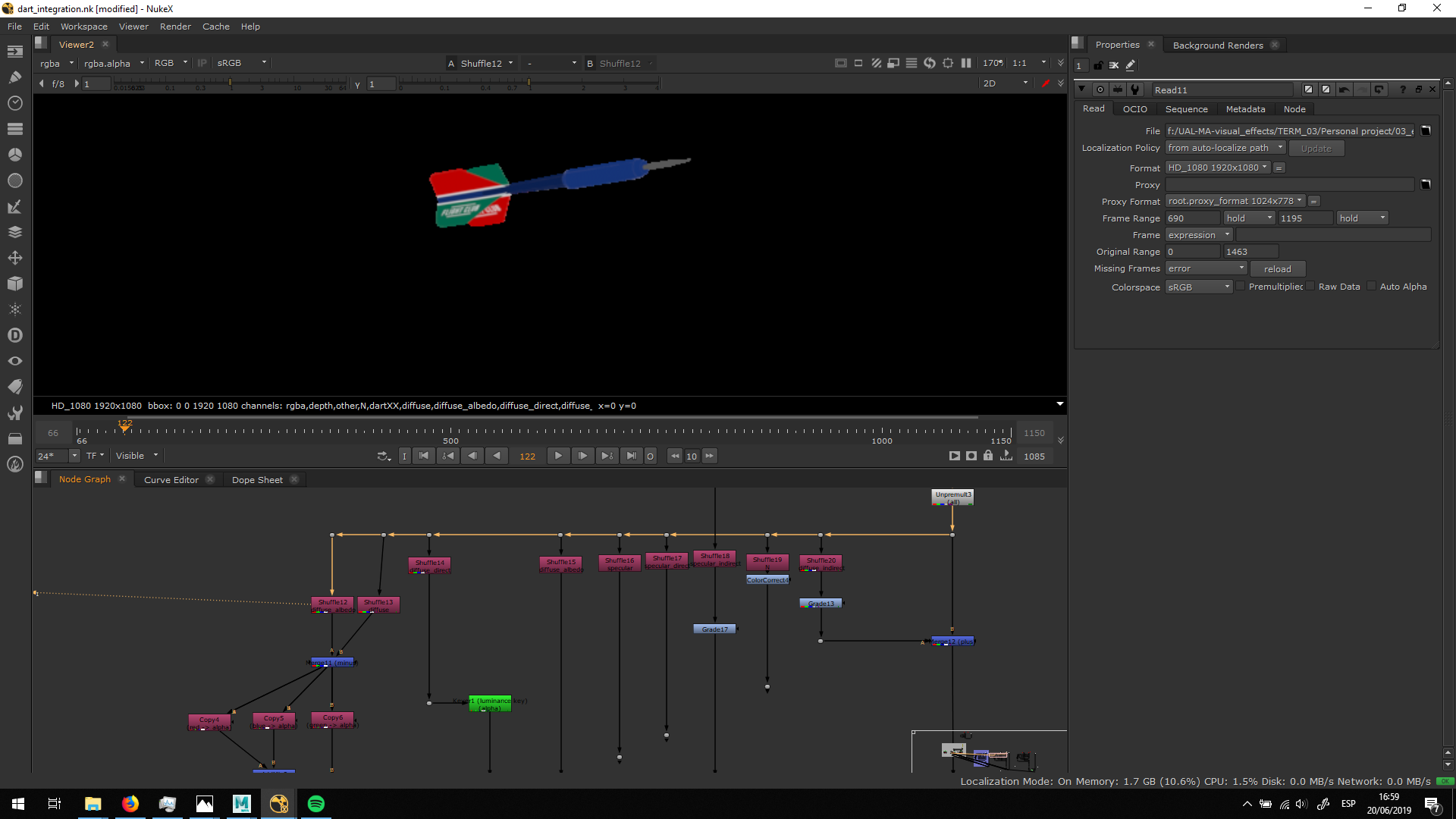
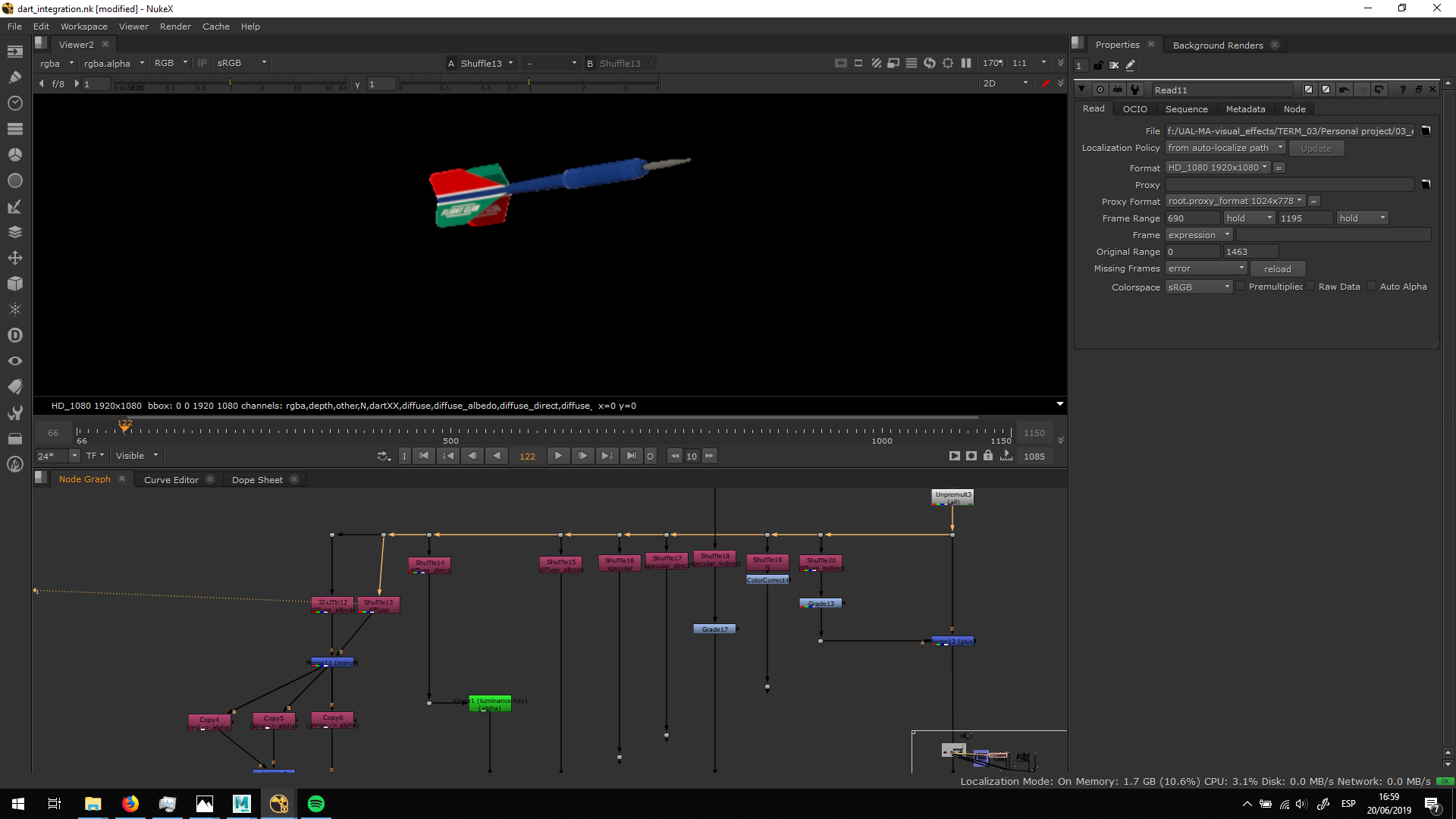
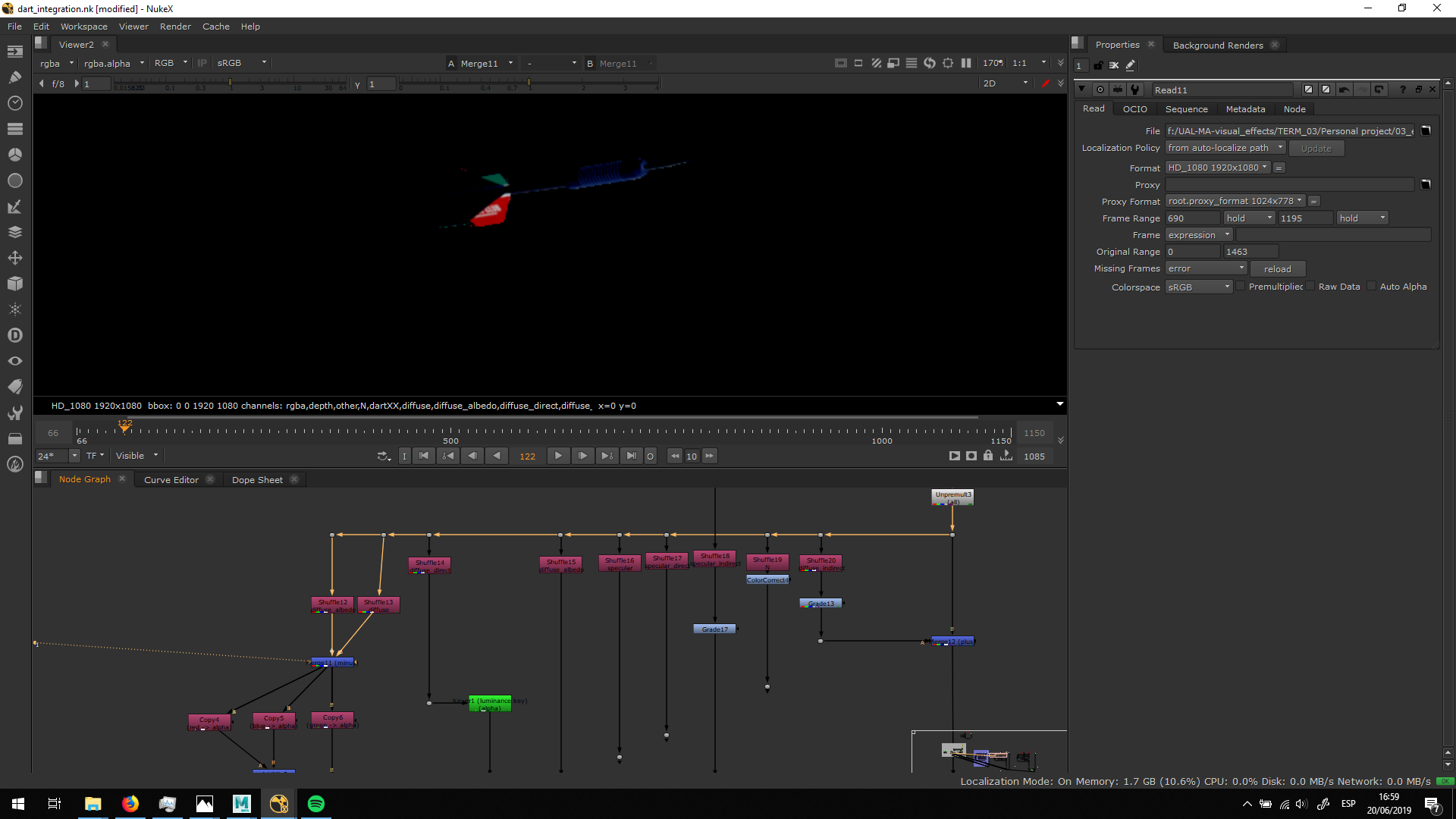
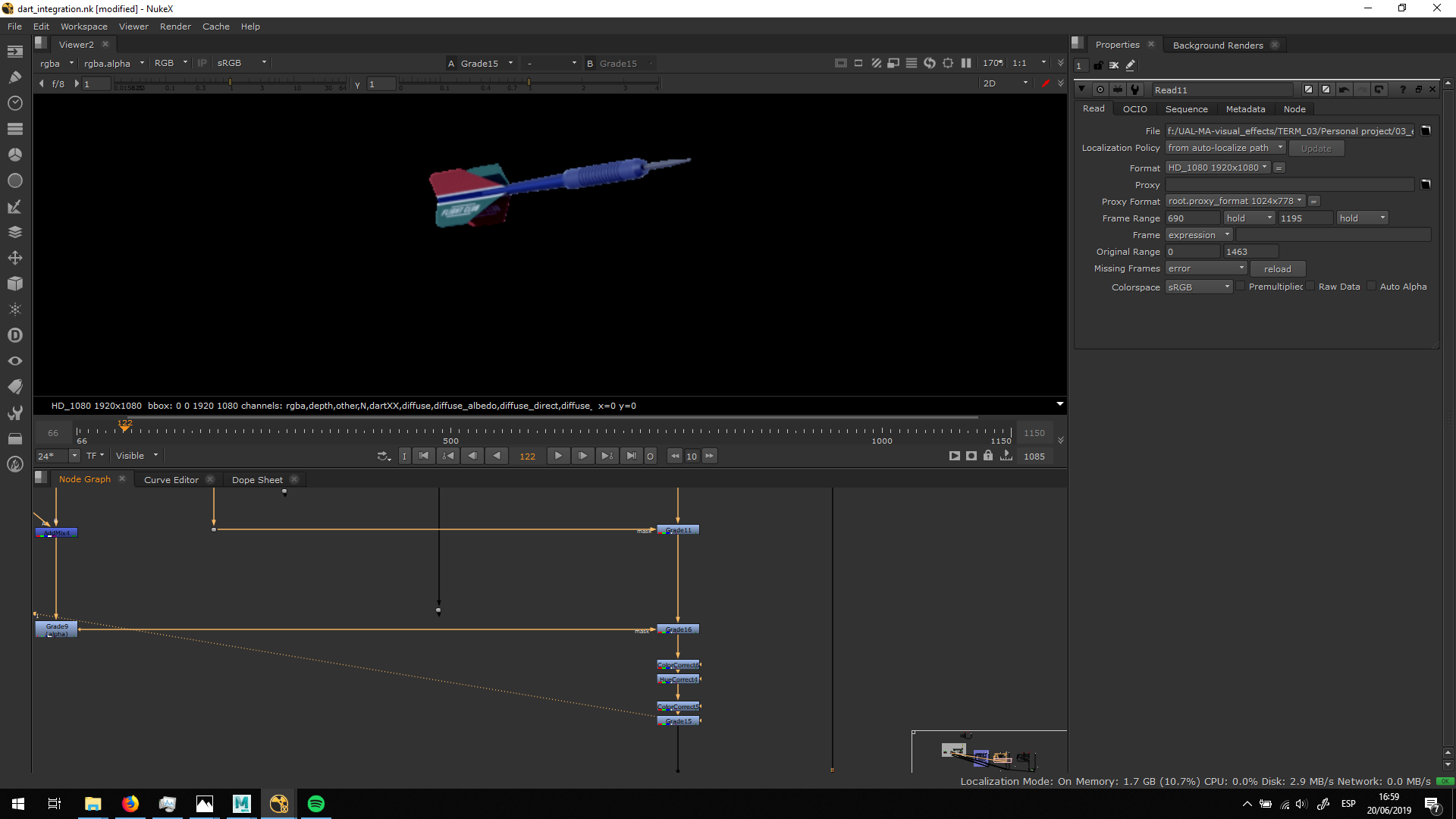
Then, we can apply grades using the alpha channel of the passes as a mask, in order to edit the highlights, the shadows and different materials independently. Also, we cna grade all the dart model in the integration.
All the 3D elements are really sharp when rendered, because they do not have blur. Therefore, I added a bit of blur and motion blur.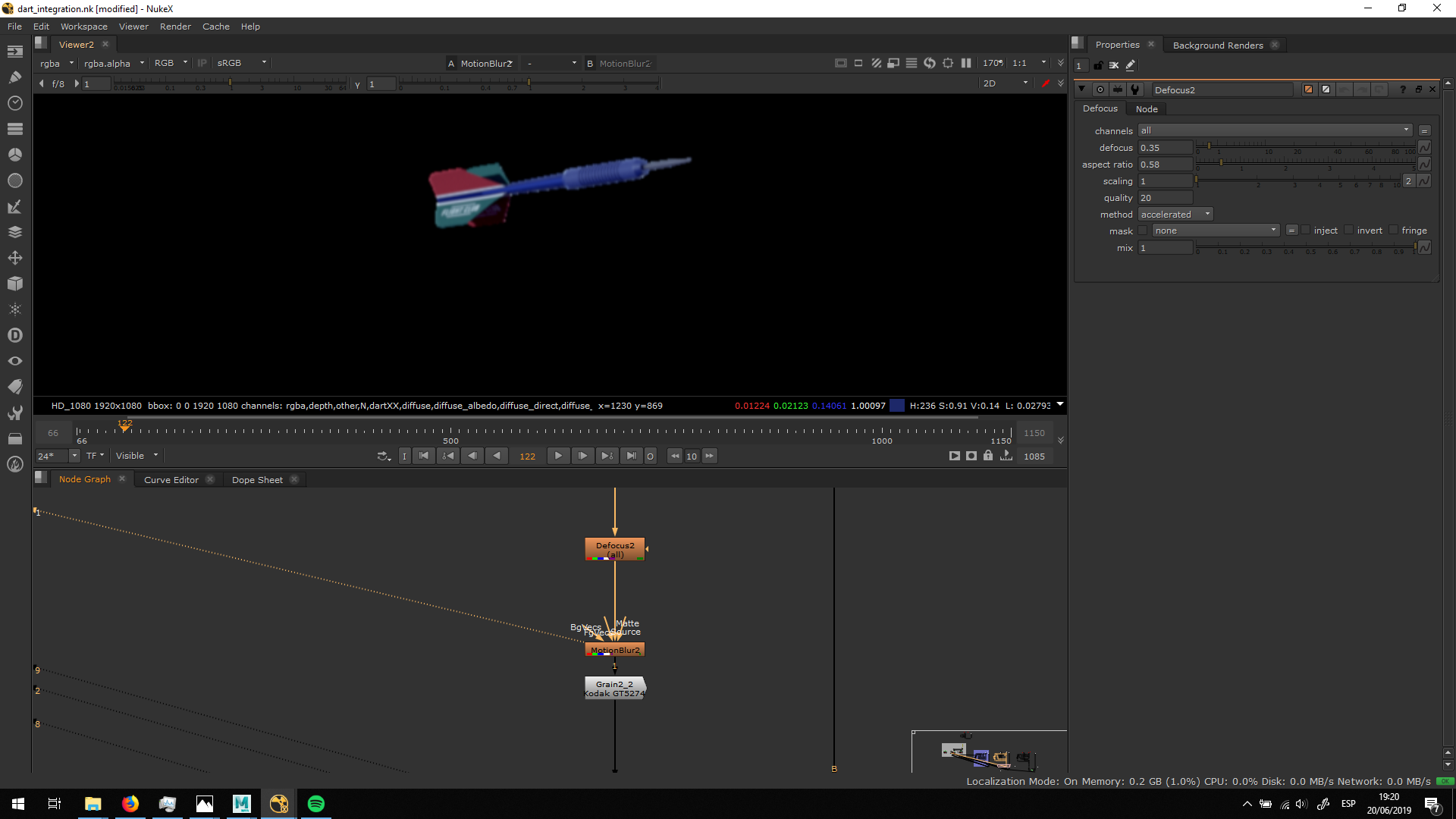
Finally, we need to notice that the original footage has always some noise. Therefore, I added grain into the 3D dart, matching it with the noise of the footage.
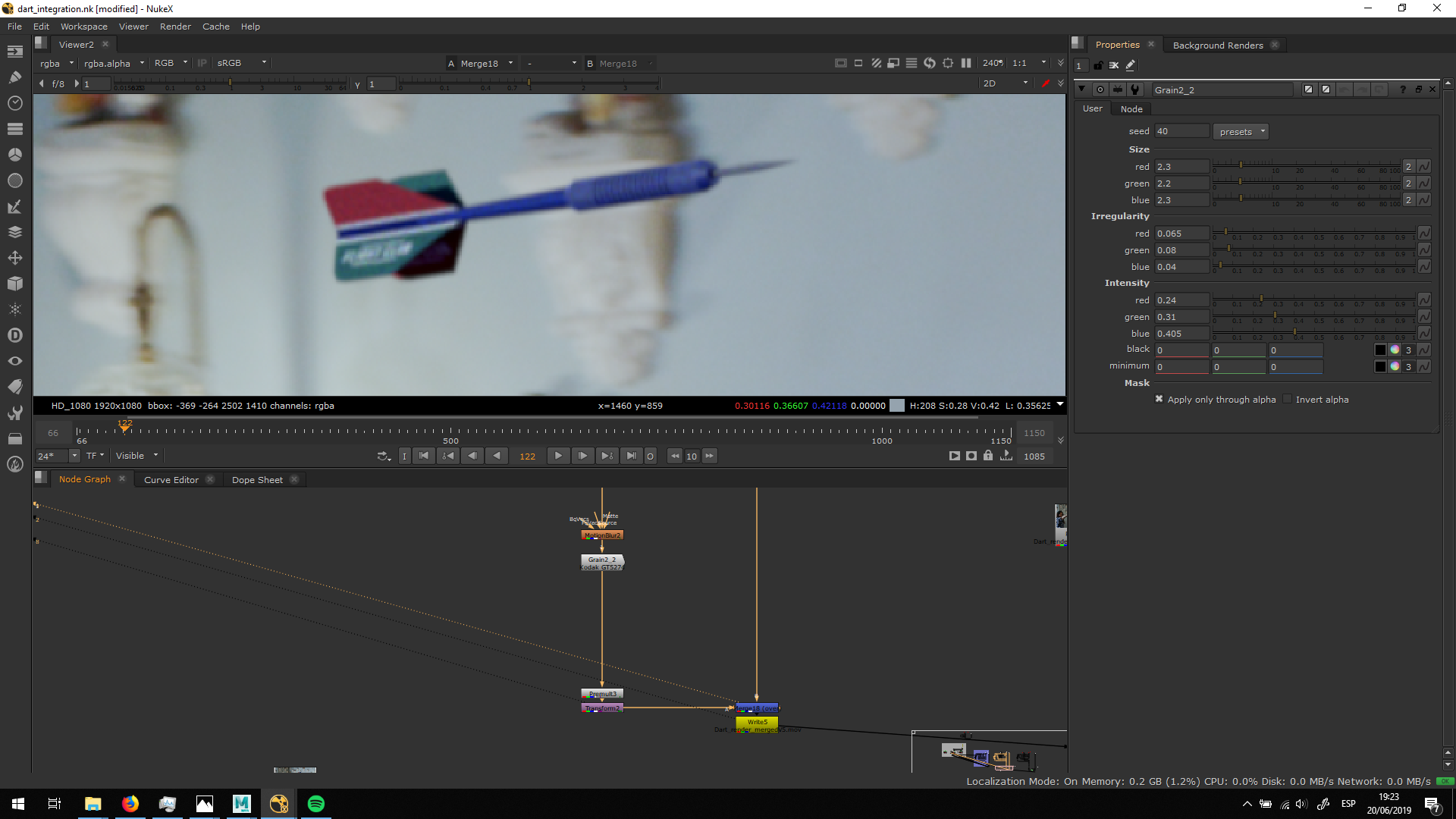
Finally, I merged it over the video and I exported it for the edit.


