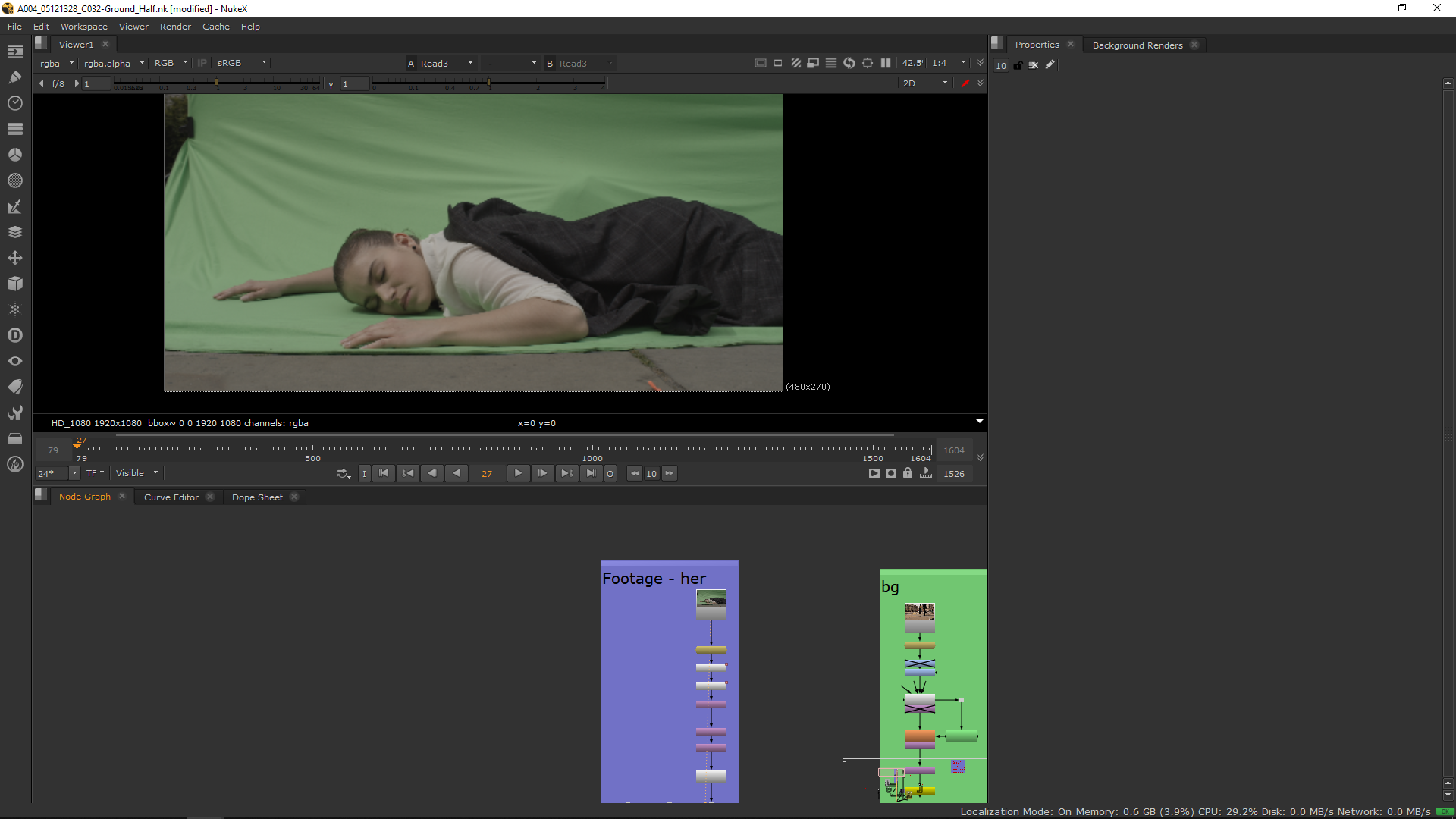
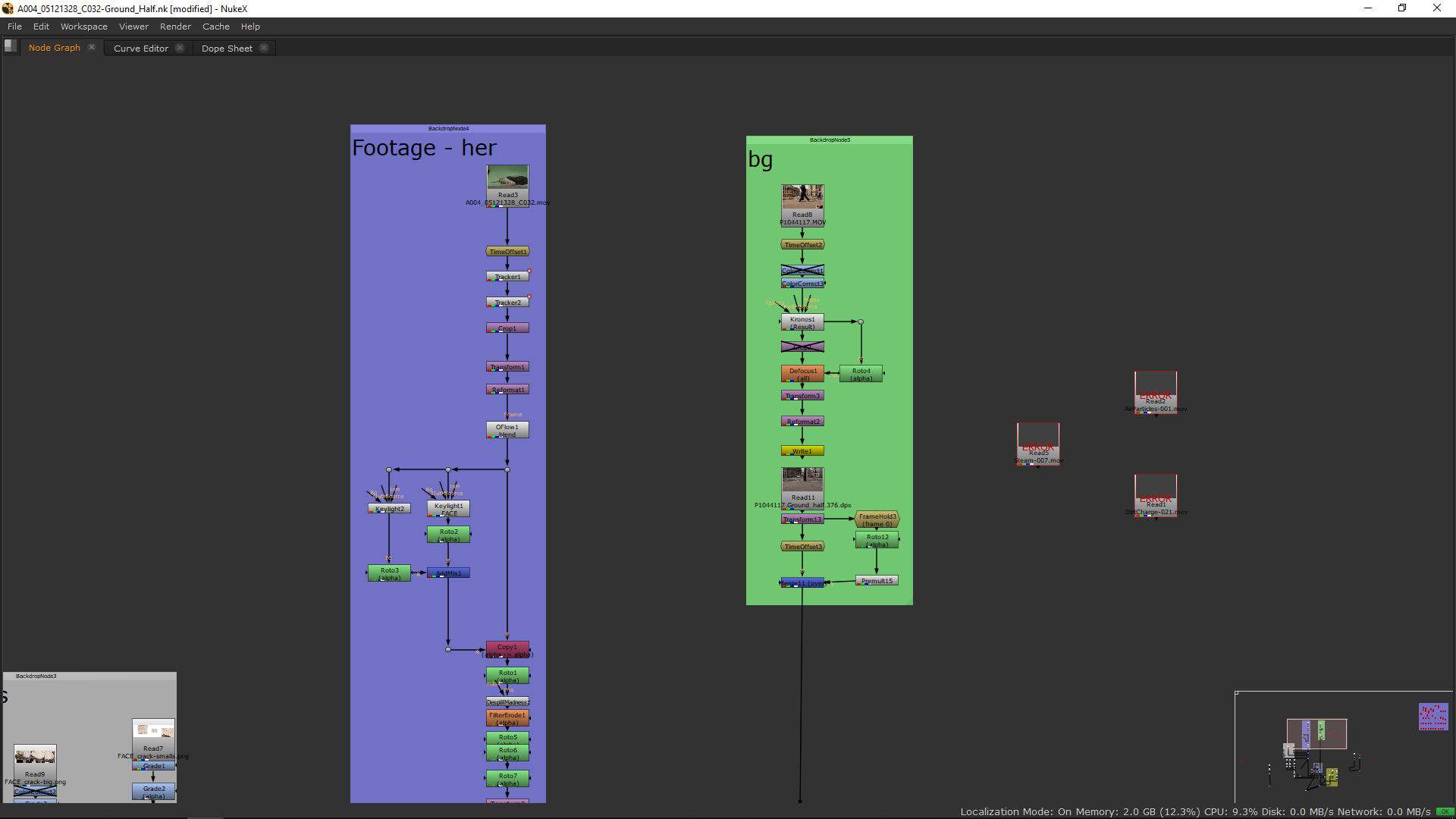
The first thing we weill do for this shot is crop and place correctly the character, and apply the oflow in order to achieve the slow motion.
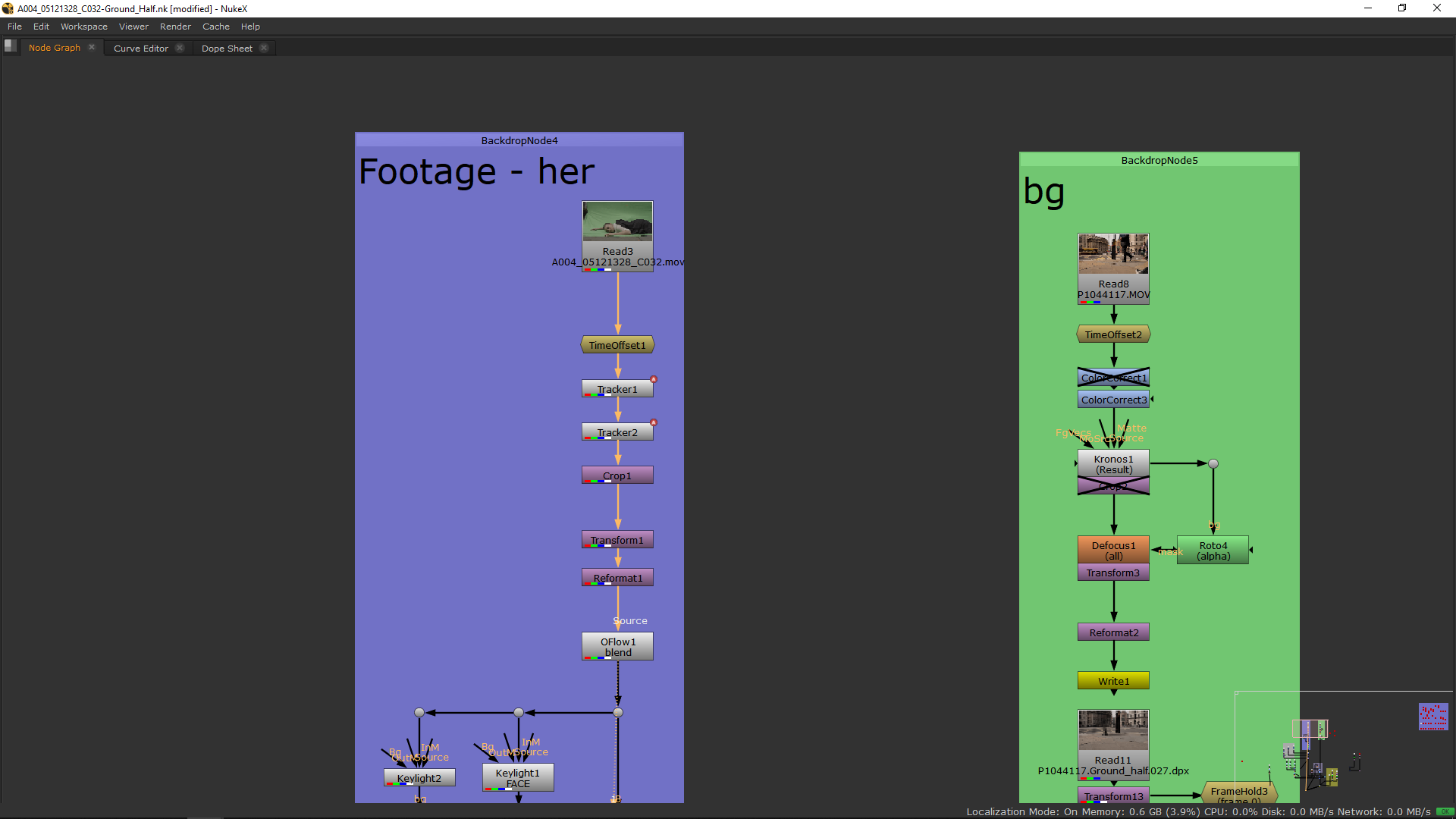
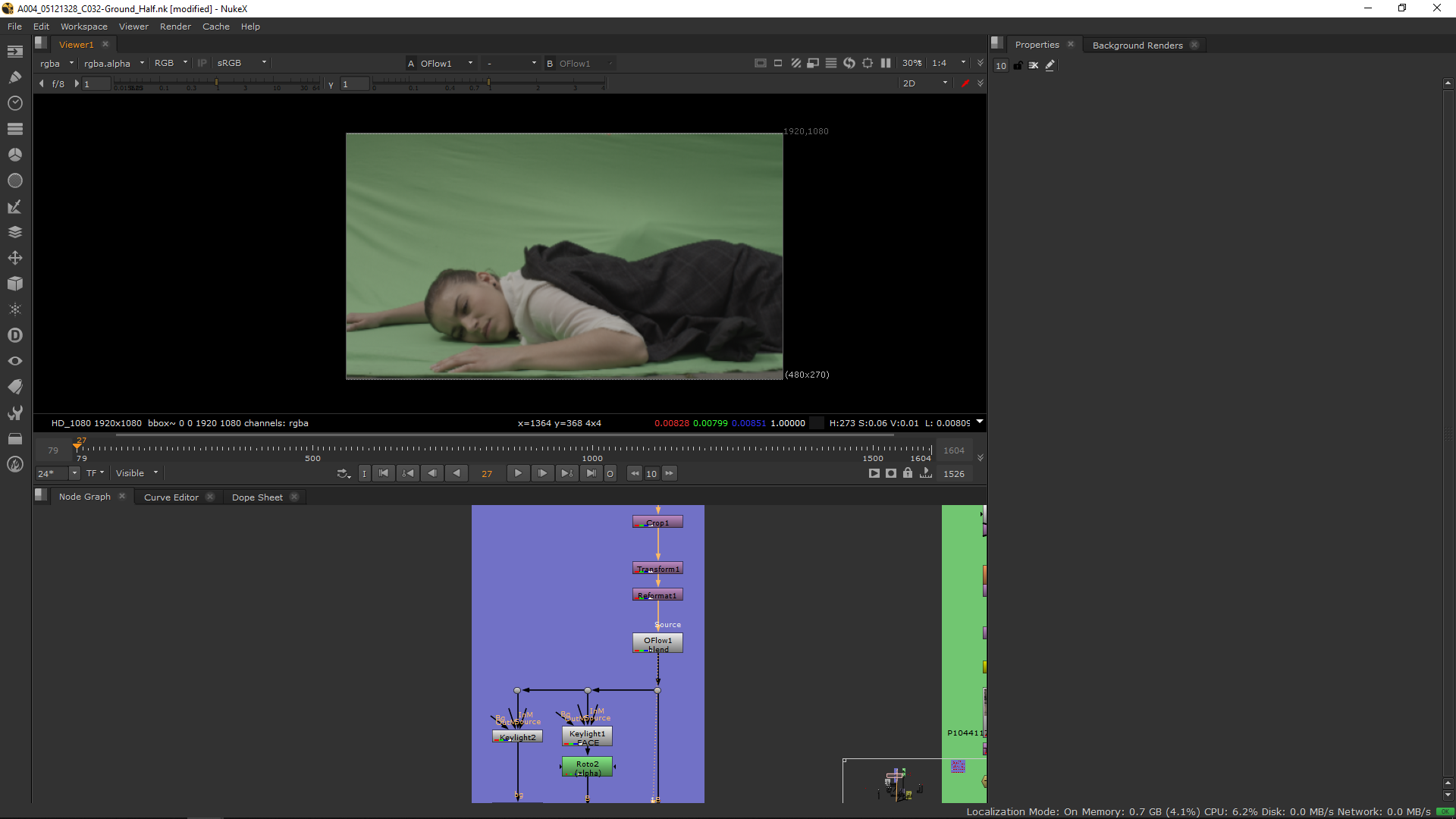
Now, we are ready to make the keying.
Keying
I did two keying in order to key different parts of the character according to the green screen color.
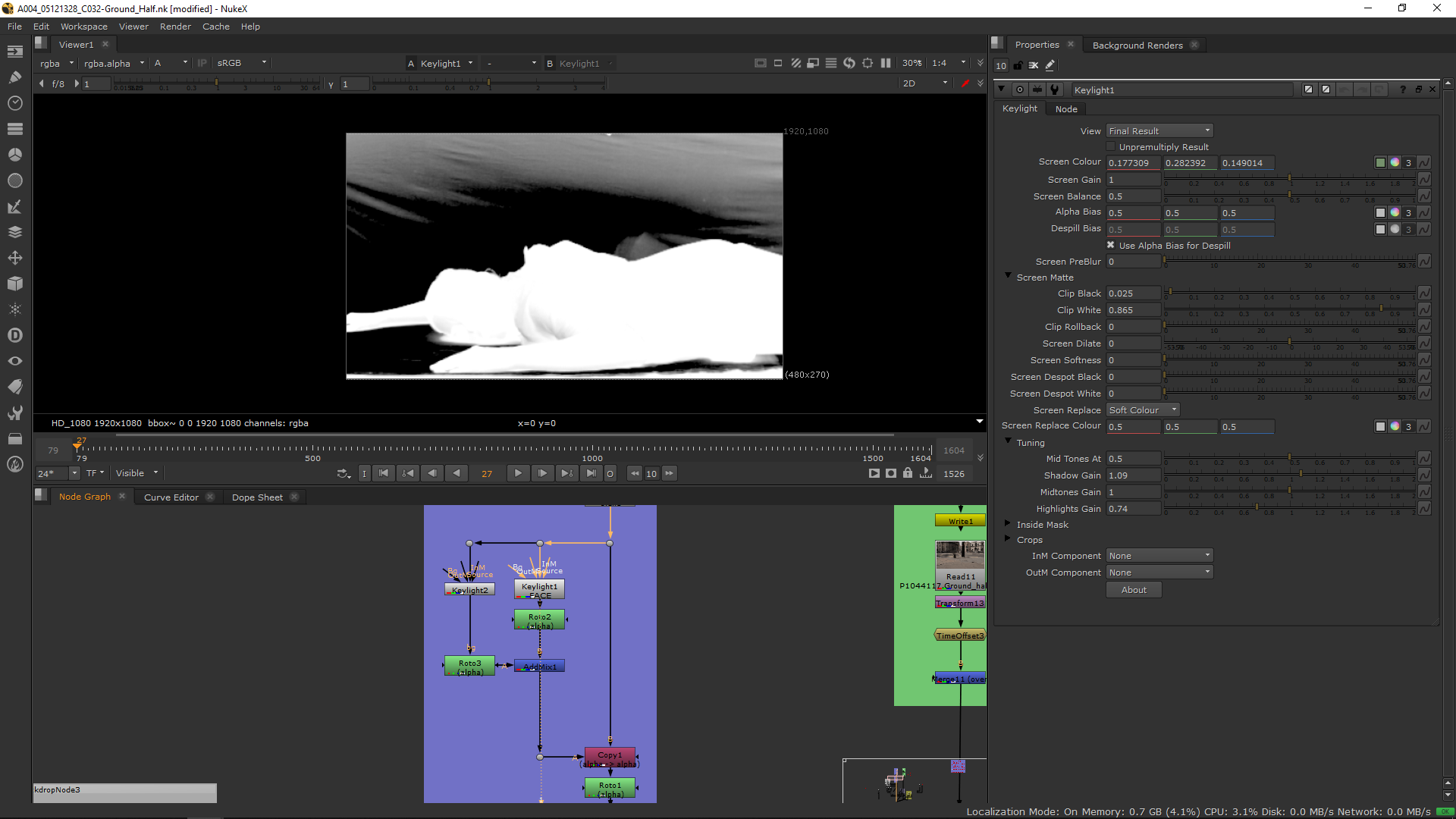
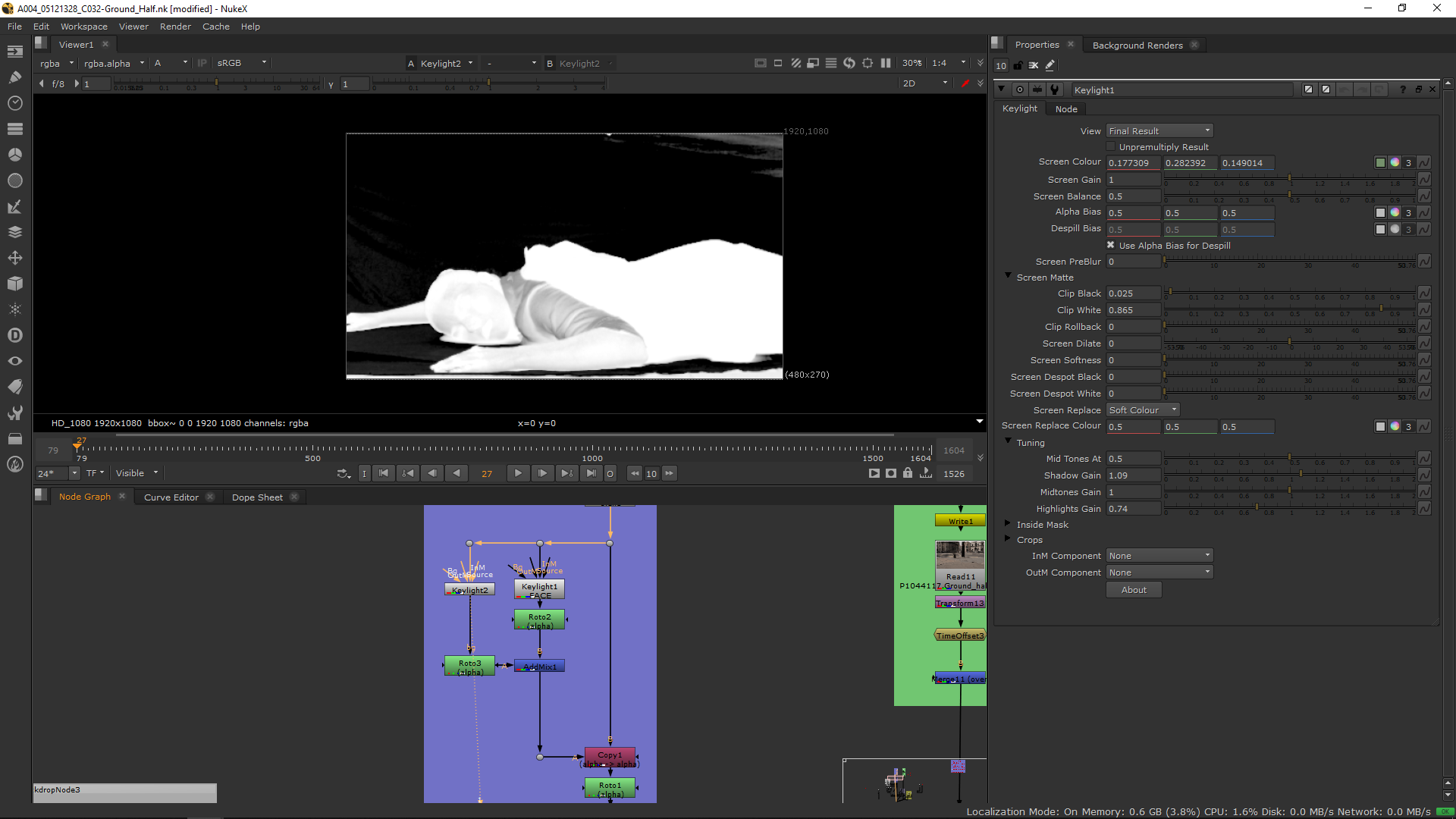
I applied a roto to isolate those parts and merge them together having the final keying.
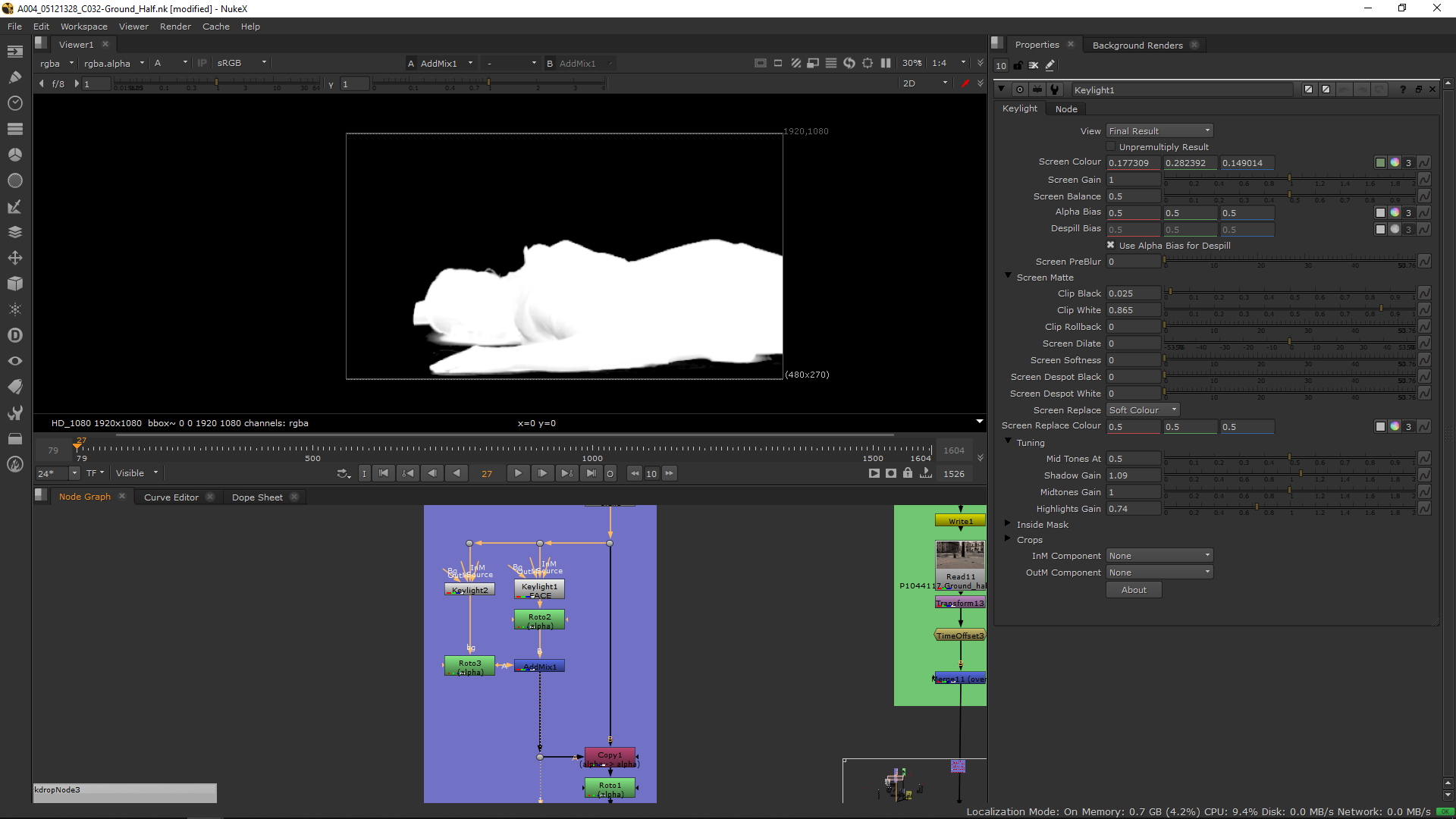 I added a couple of notes to refine the borders of the keying, as erode and despillmadness.
Also, I added more rotos to eliminate parts of the body which are missing because of the fracture.
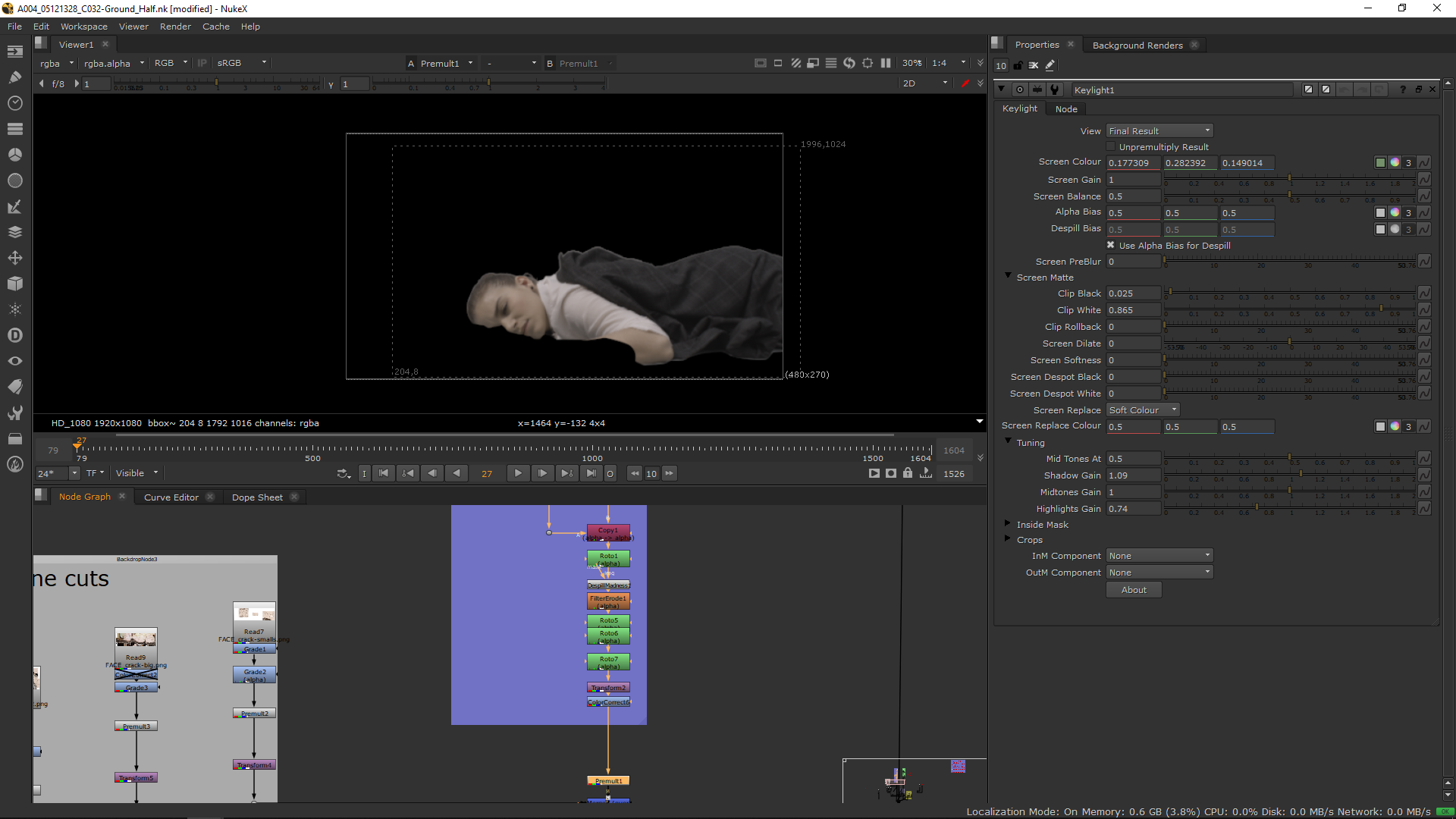
So the roto is finally ready to be premultiplied.
Background
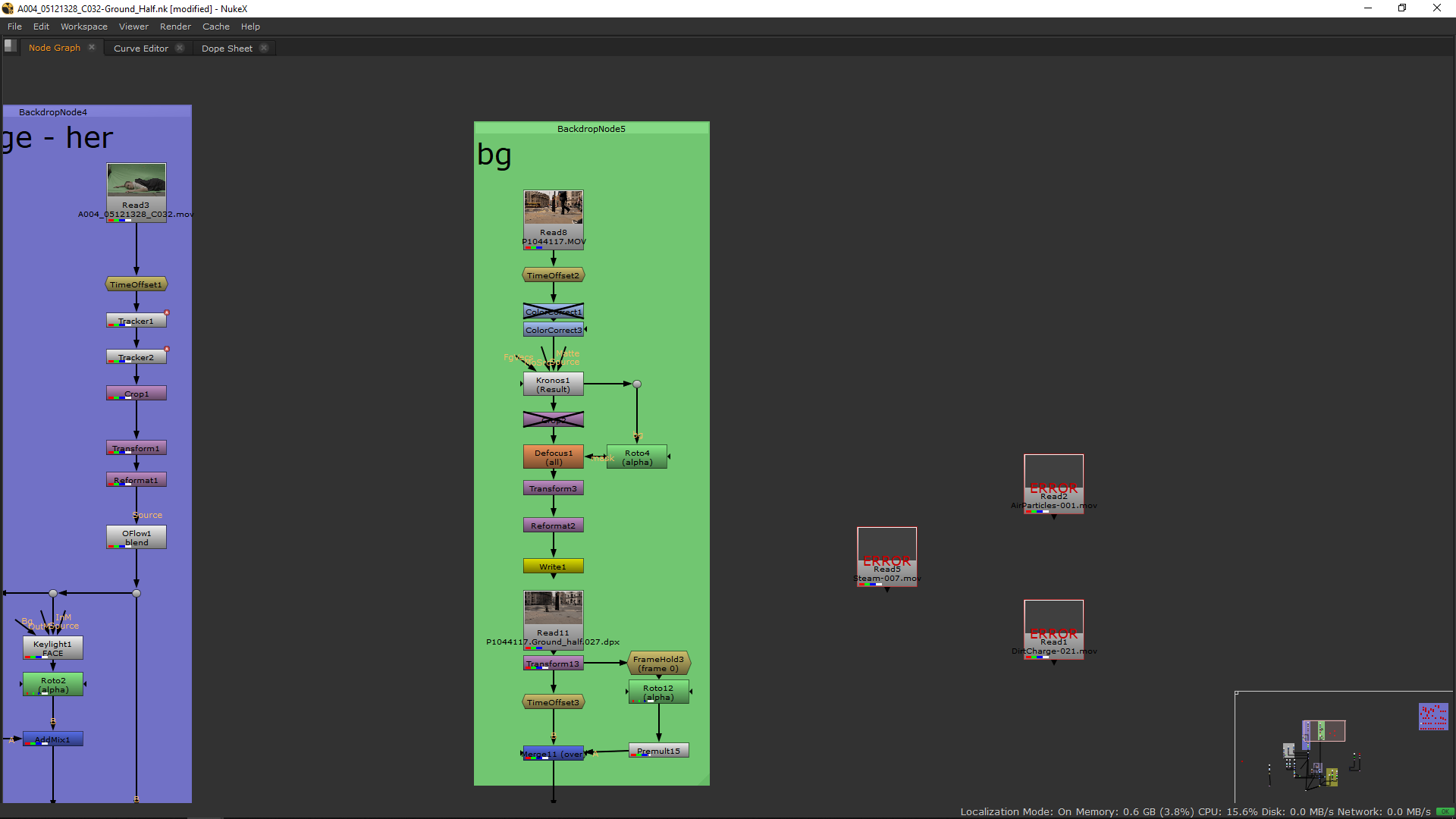
In order to make the background I added a note called Kronos with which I could achieve the speed camera with low shutter speed effect. Also, I added a blur with a grade in order to blur the background and leave the foregrund sharp.
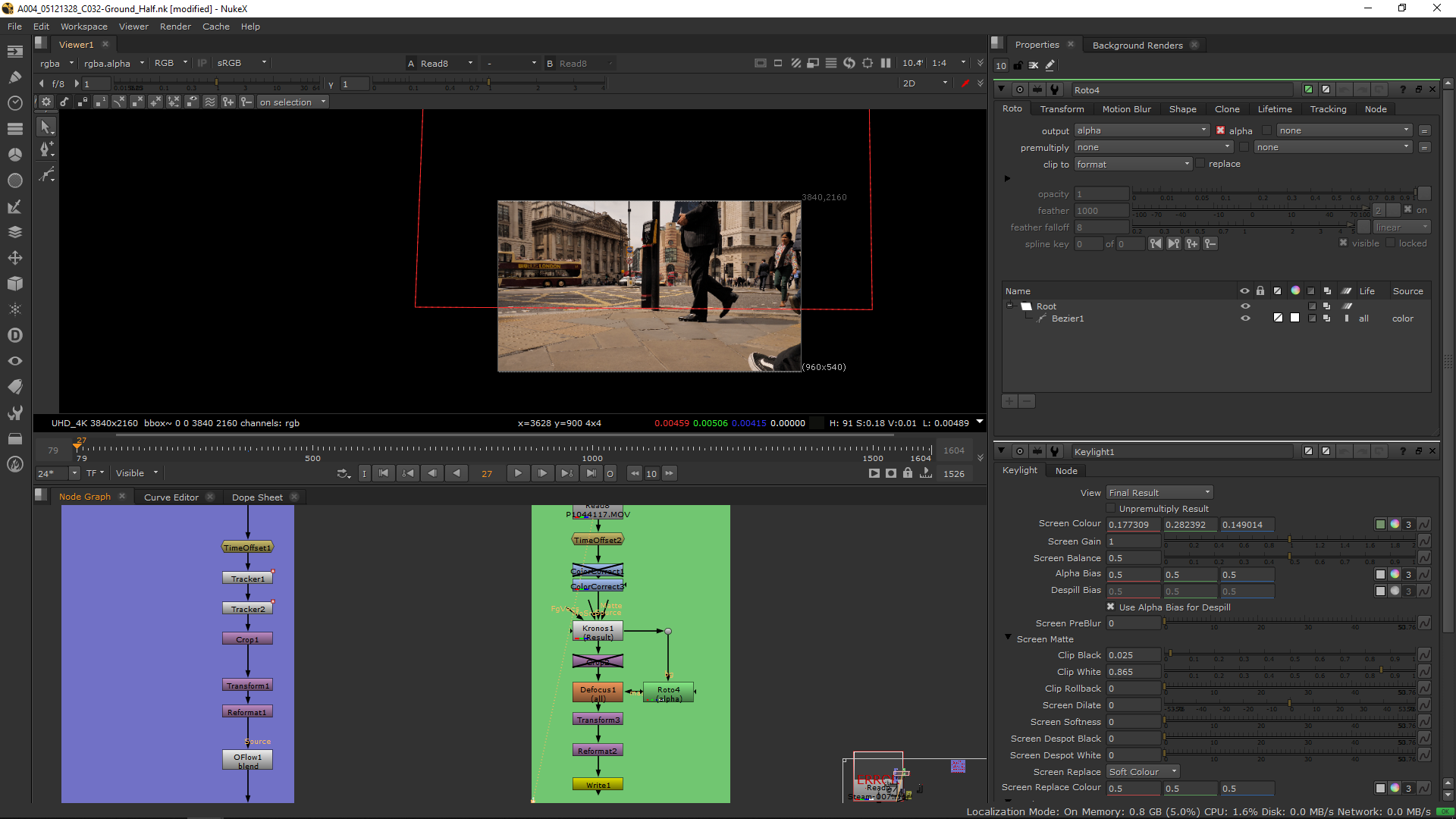
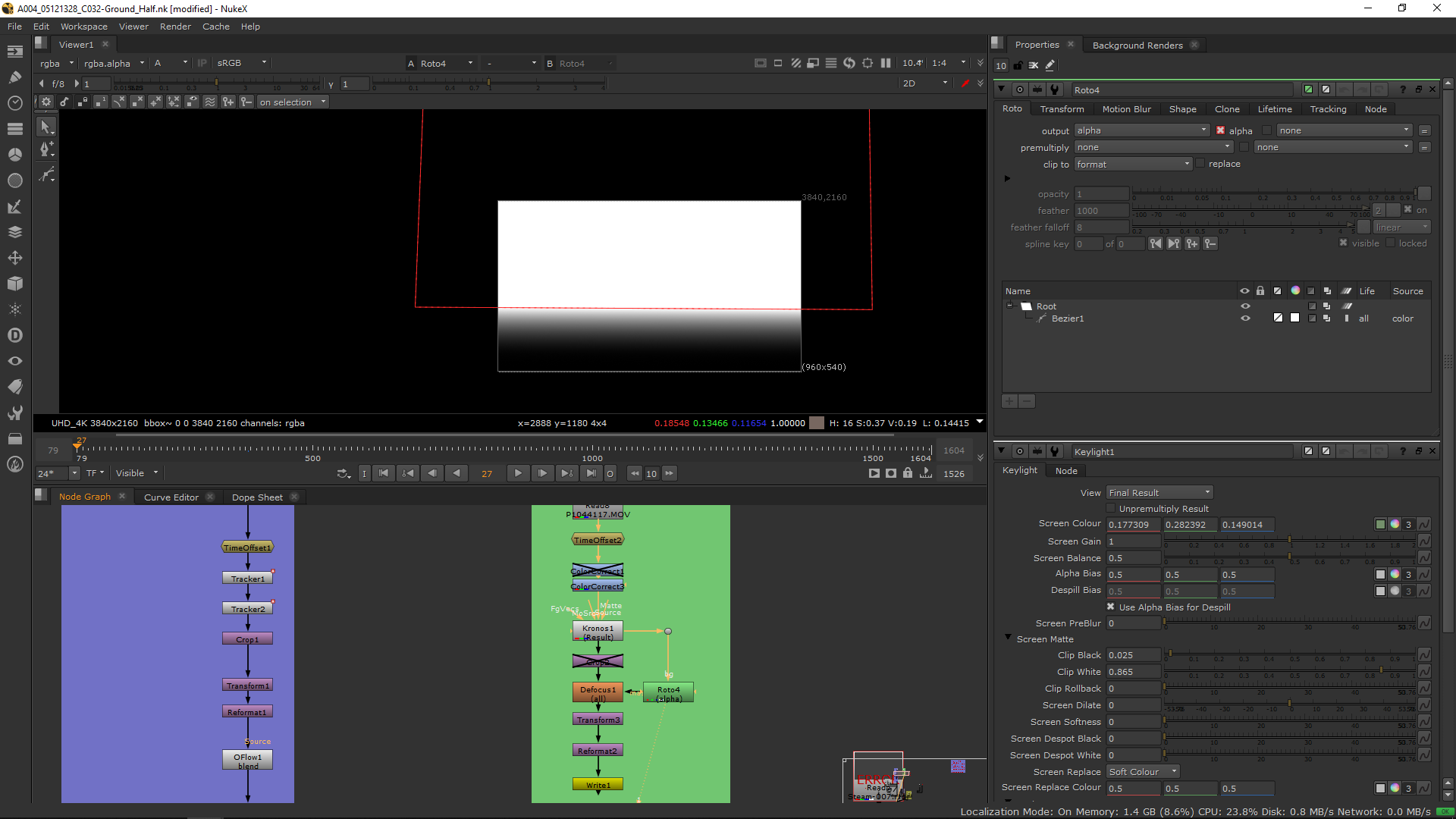
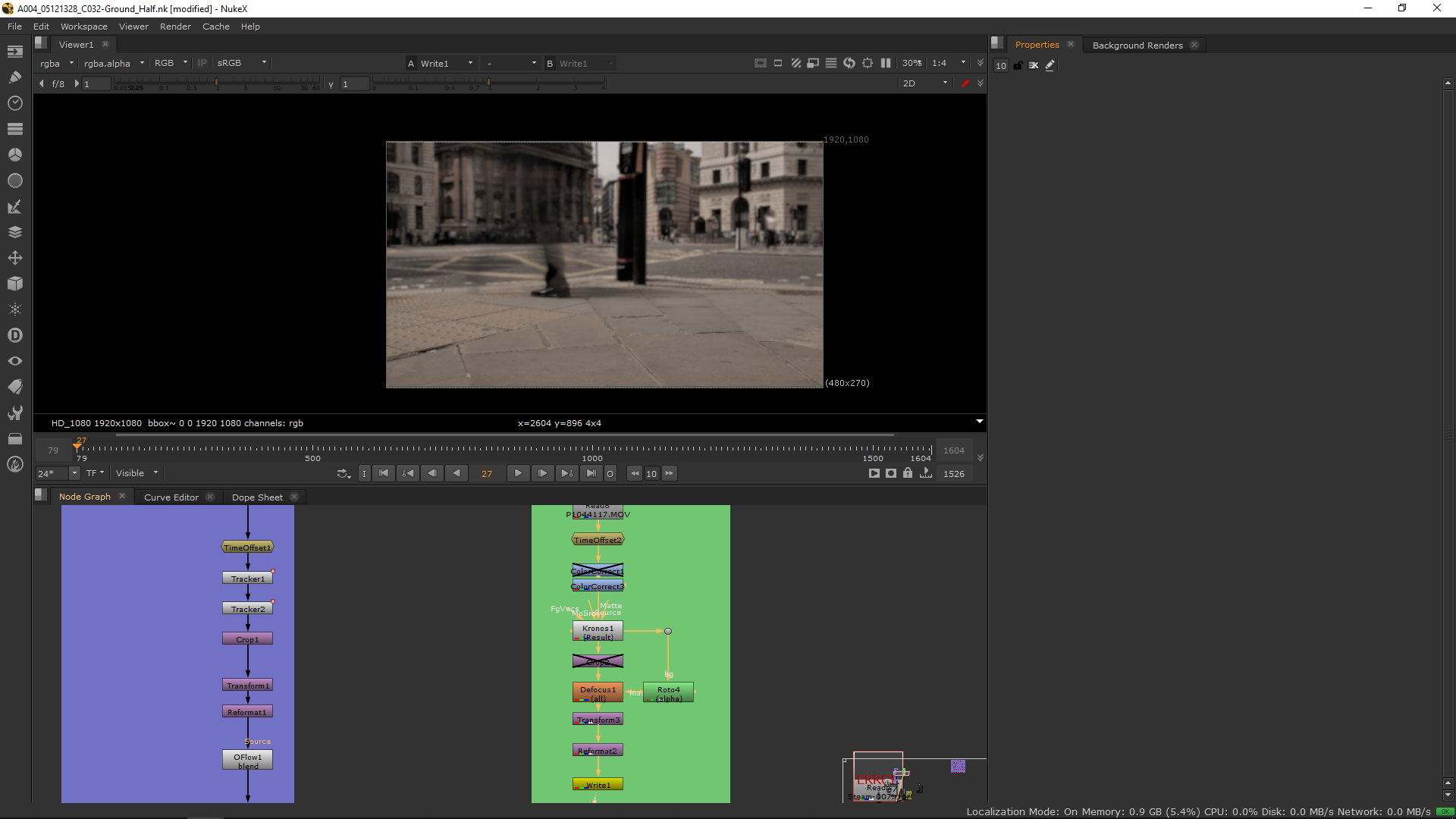
Finally, I exported it in DPX, I added a roto eliminating parts that were unuseful like people standing for long and finally it was ready to use.
Crack effect
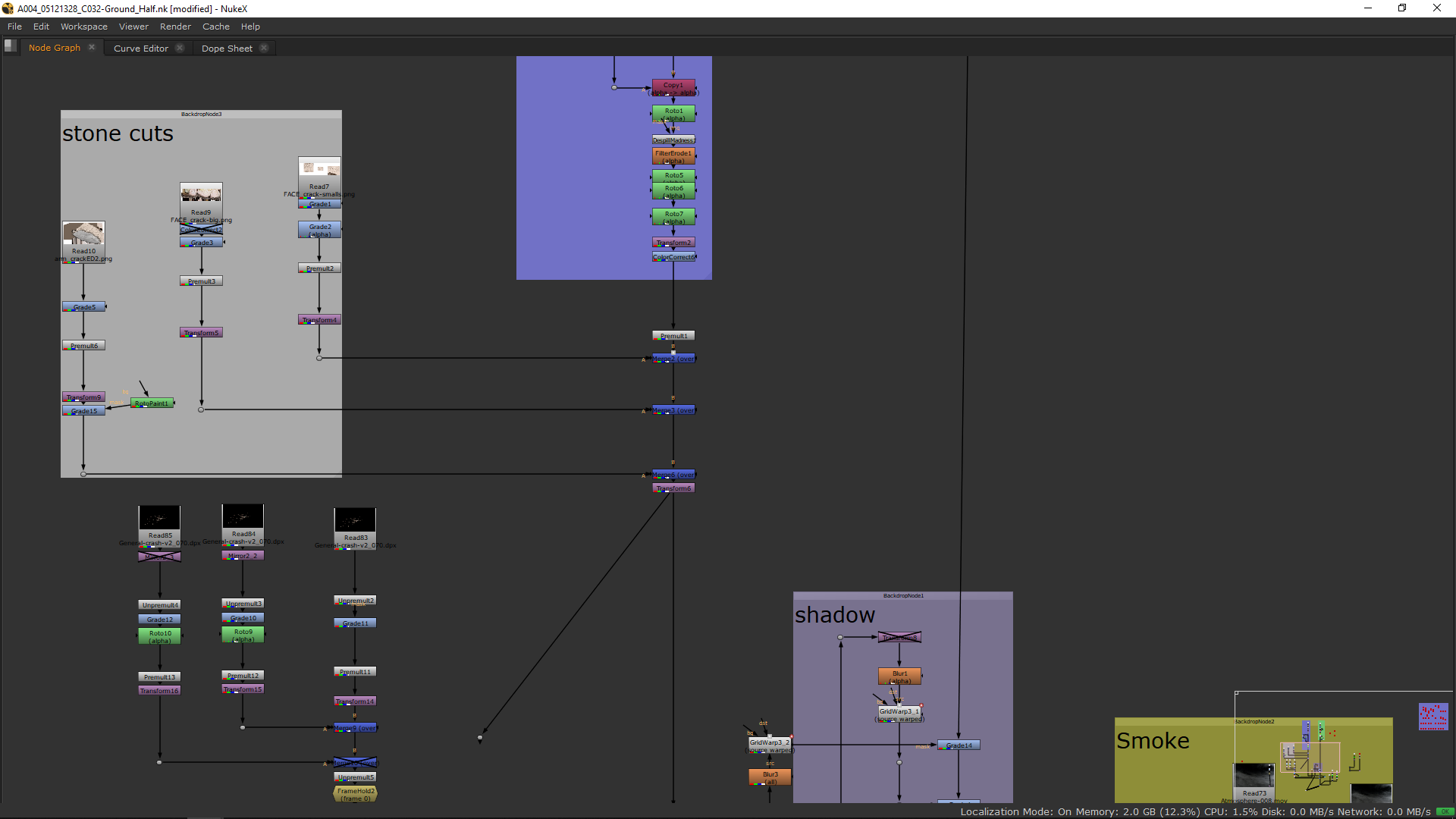
In order to make the crack more real I did in protoshop a texture of the cut itselt, using the footage as reference, and thi pictures.
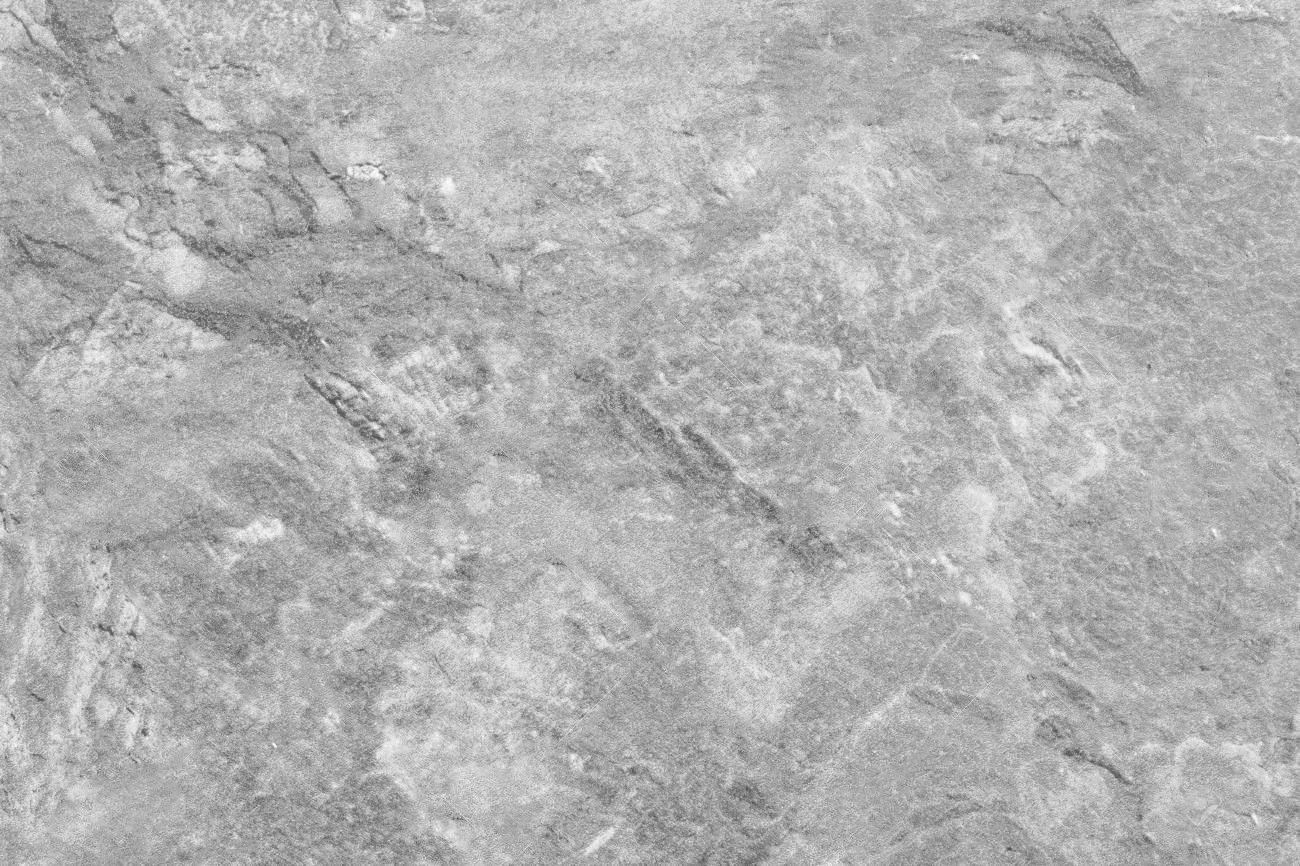
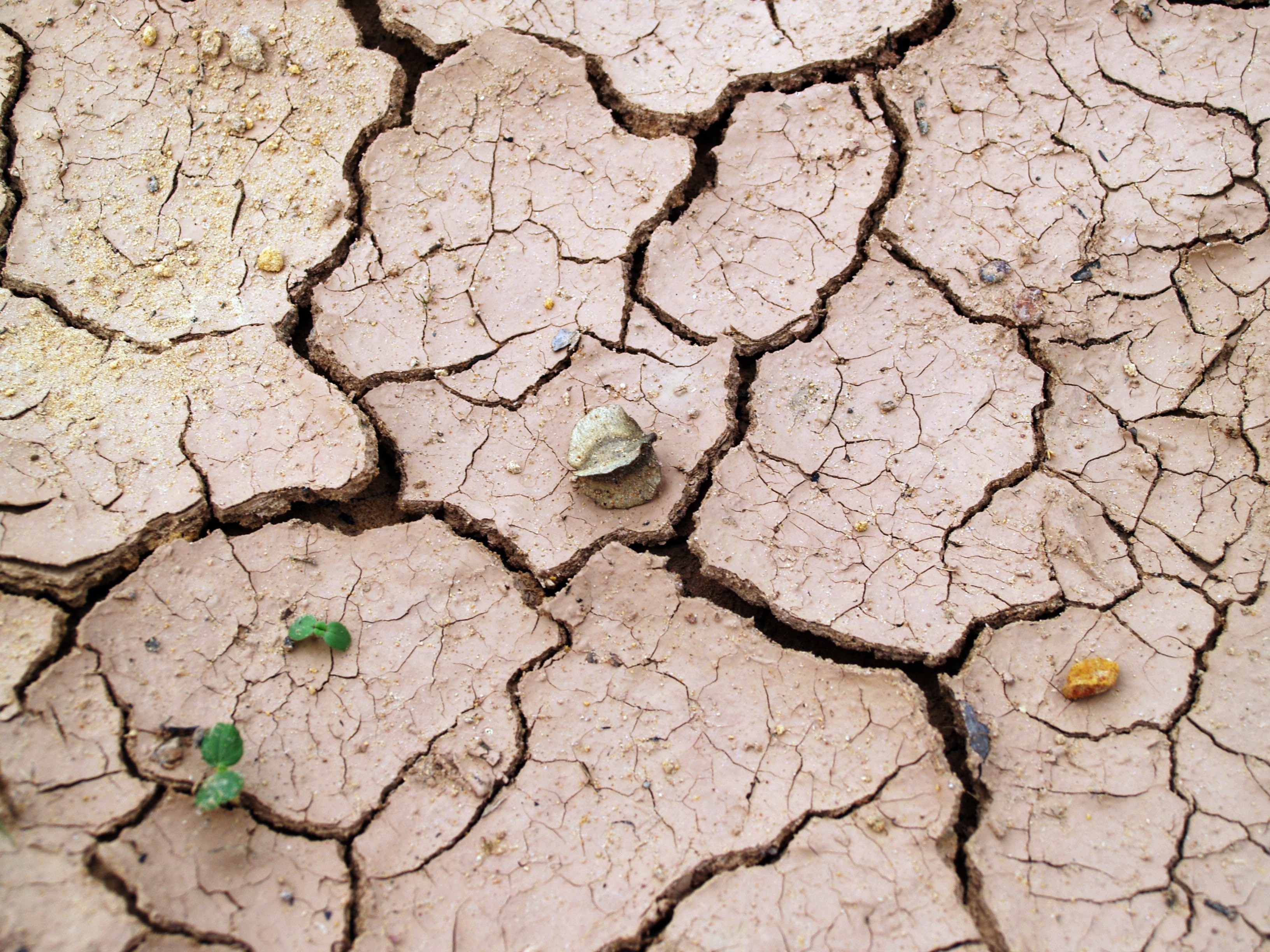 I did the graphics as a still and I exported them in PNG.
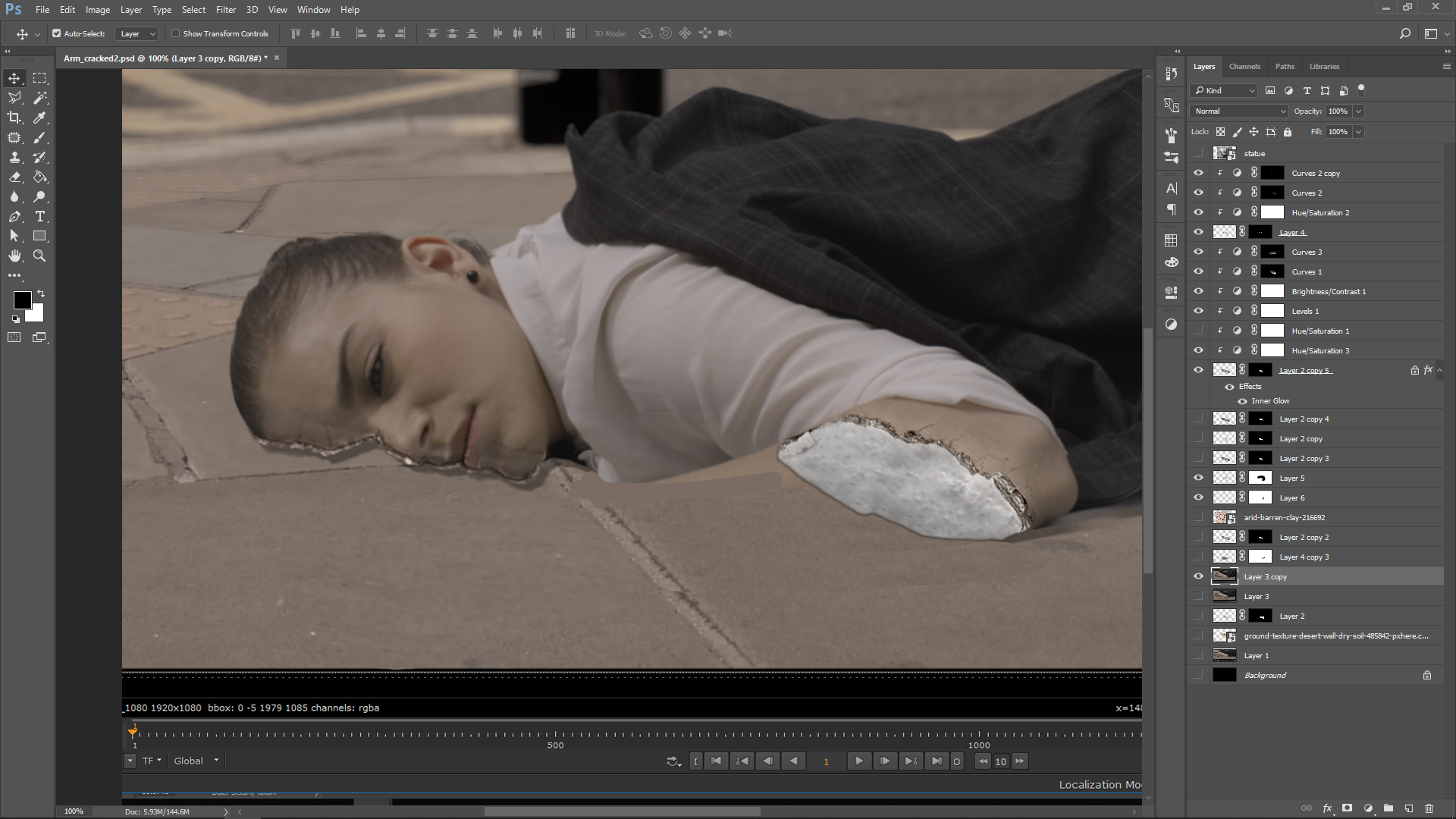
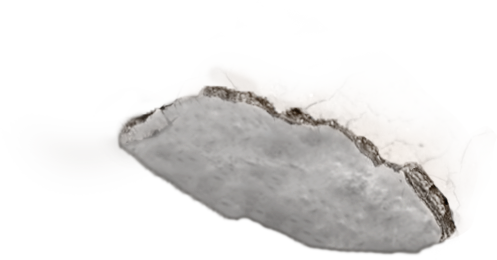
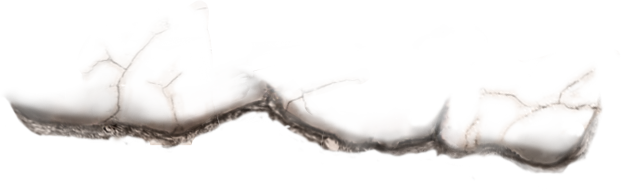
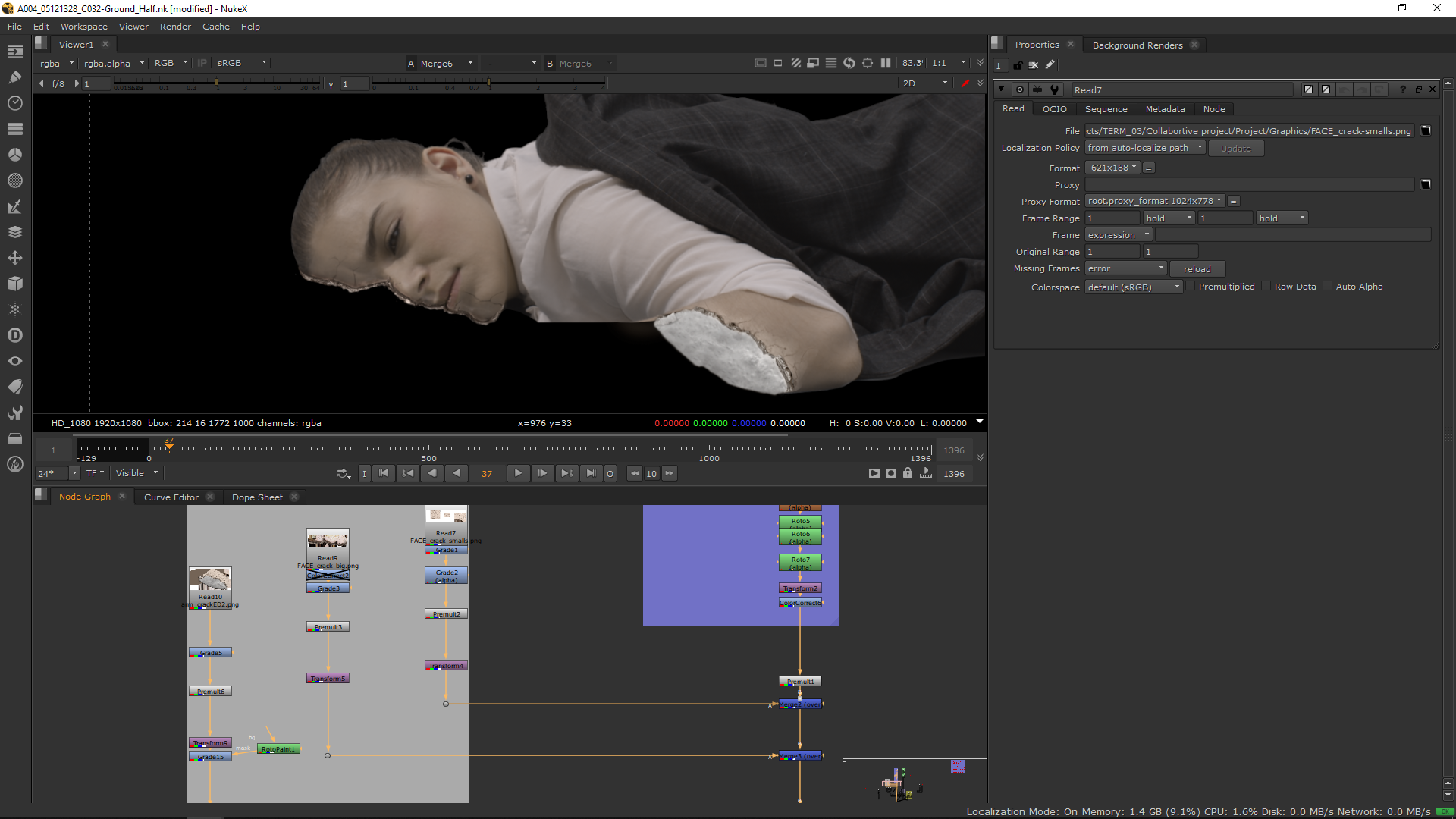
Then, I added those PNG in the project and I premultiplied them and add some grade and color correct notes in order to be able to blend them over the picture.
Stones
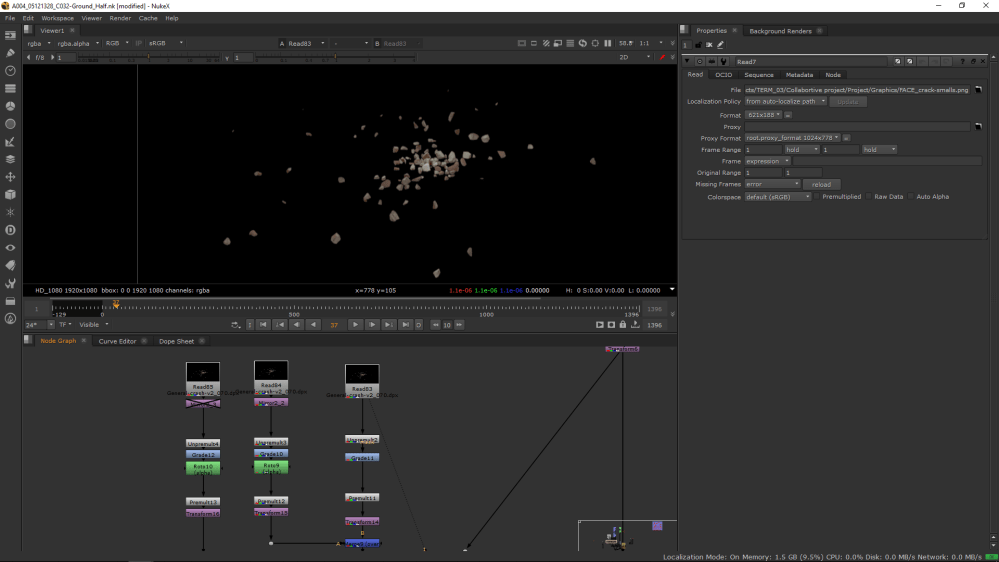
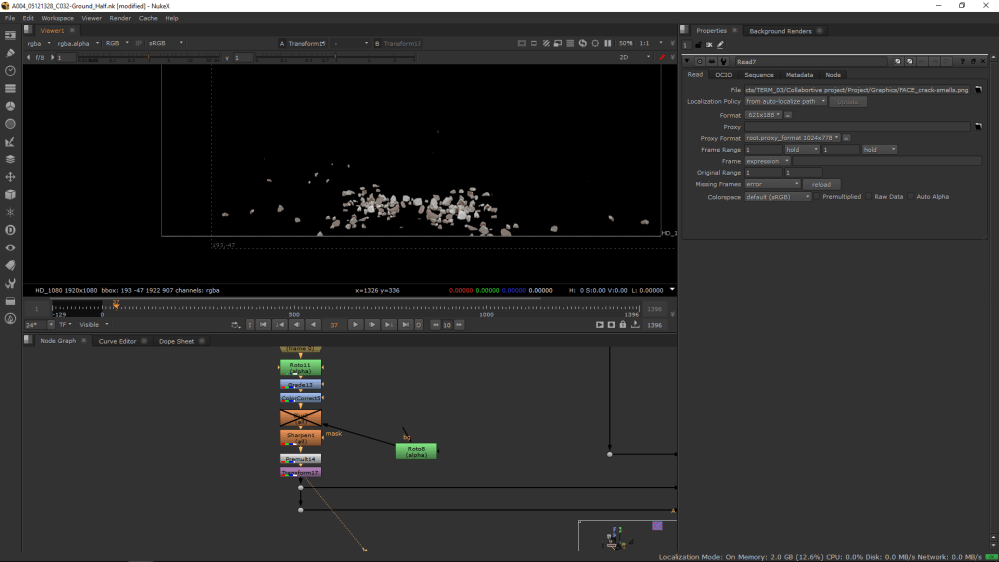
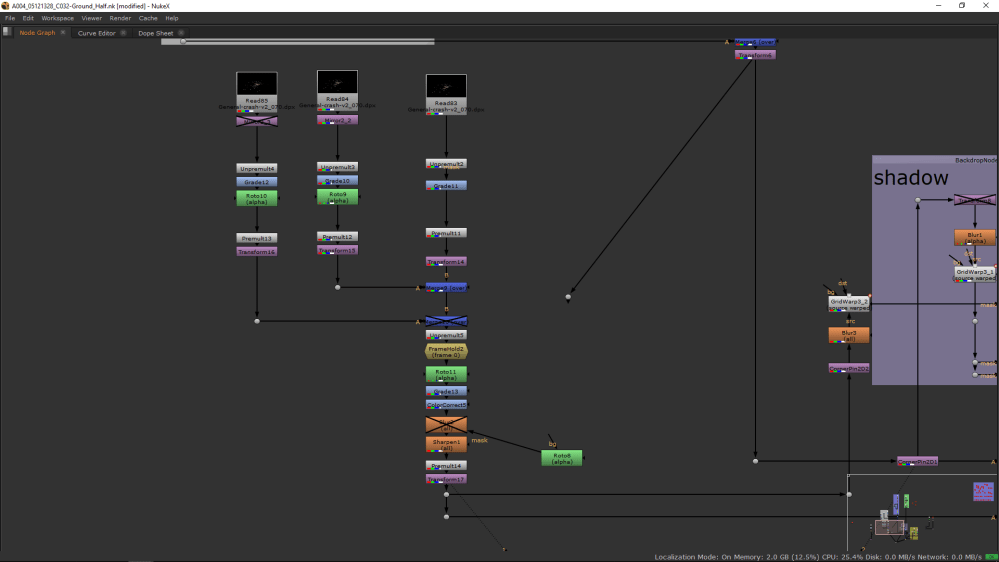
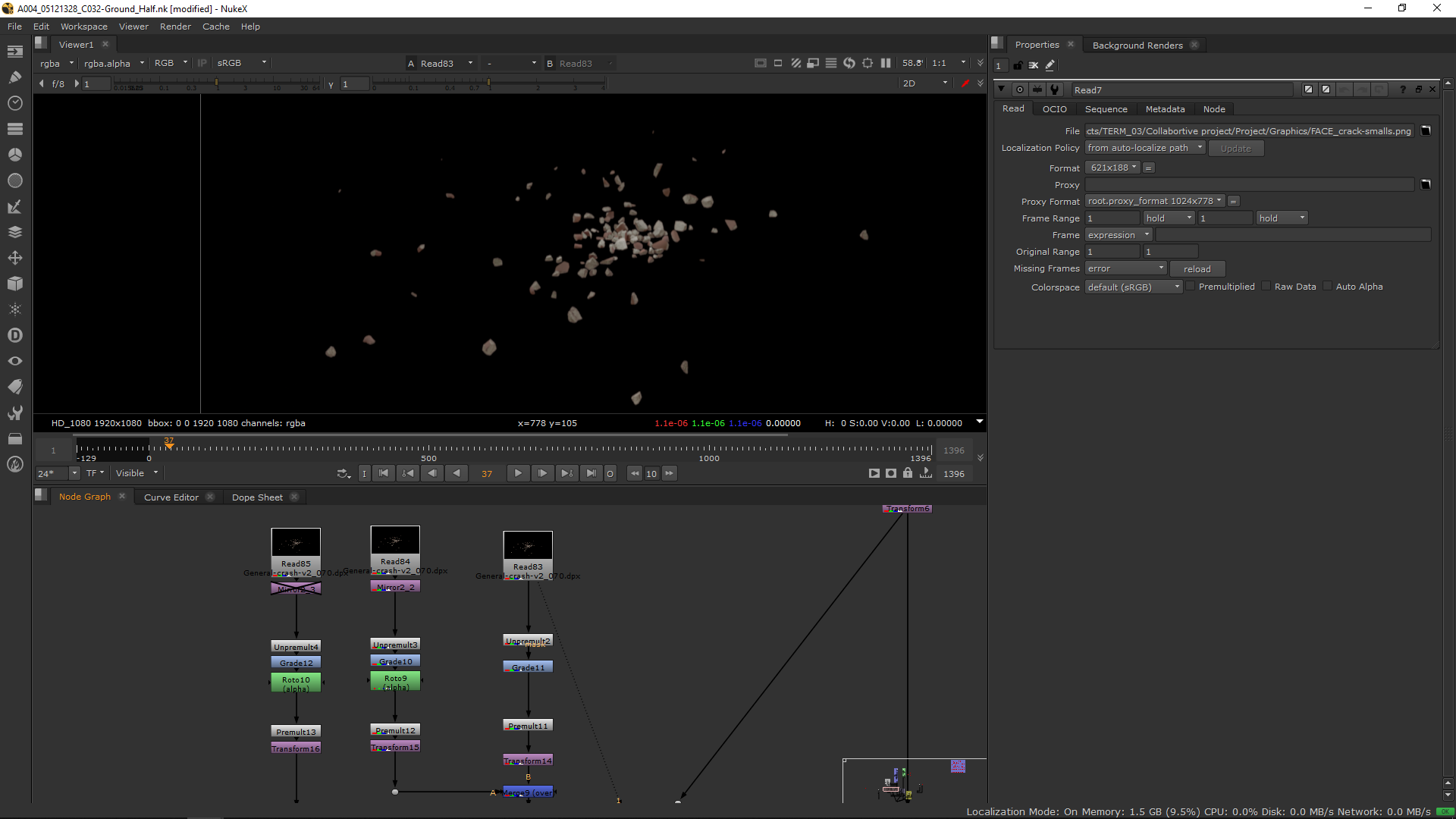
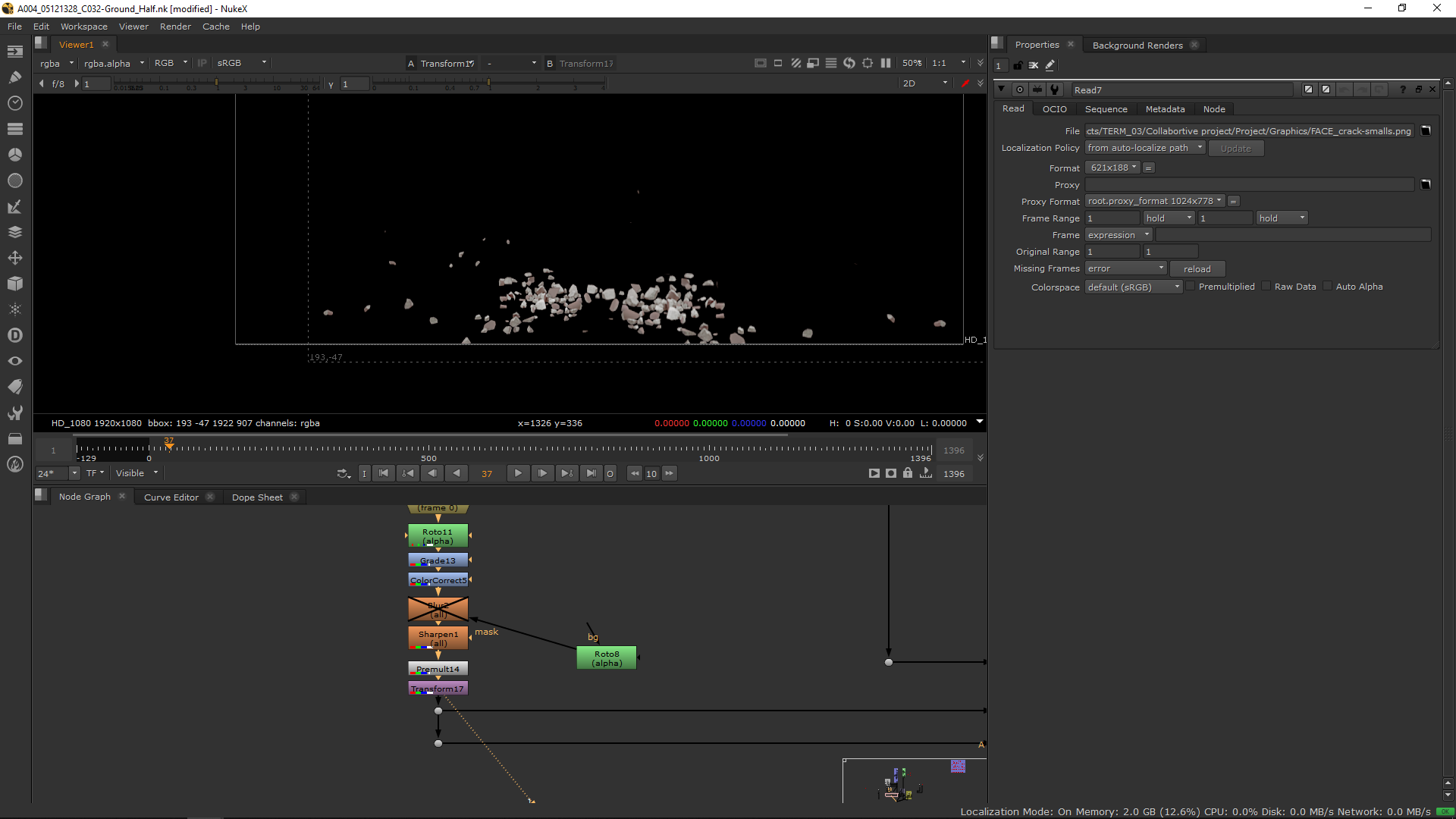
I took a still frame image from the arm crash in order to generate stones in the ground. I took the image as a DPX, taking the integration of the Nuke script of the shot of the arm falling.
I added some grde notes and transfromation notes in order to have more stones and merge them correctly in the picture.
 Shadow
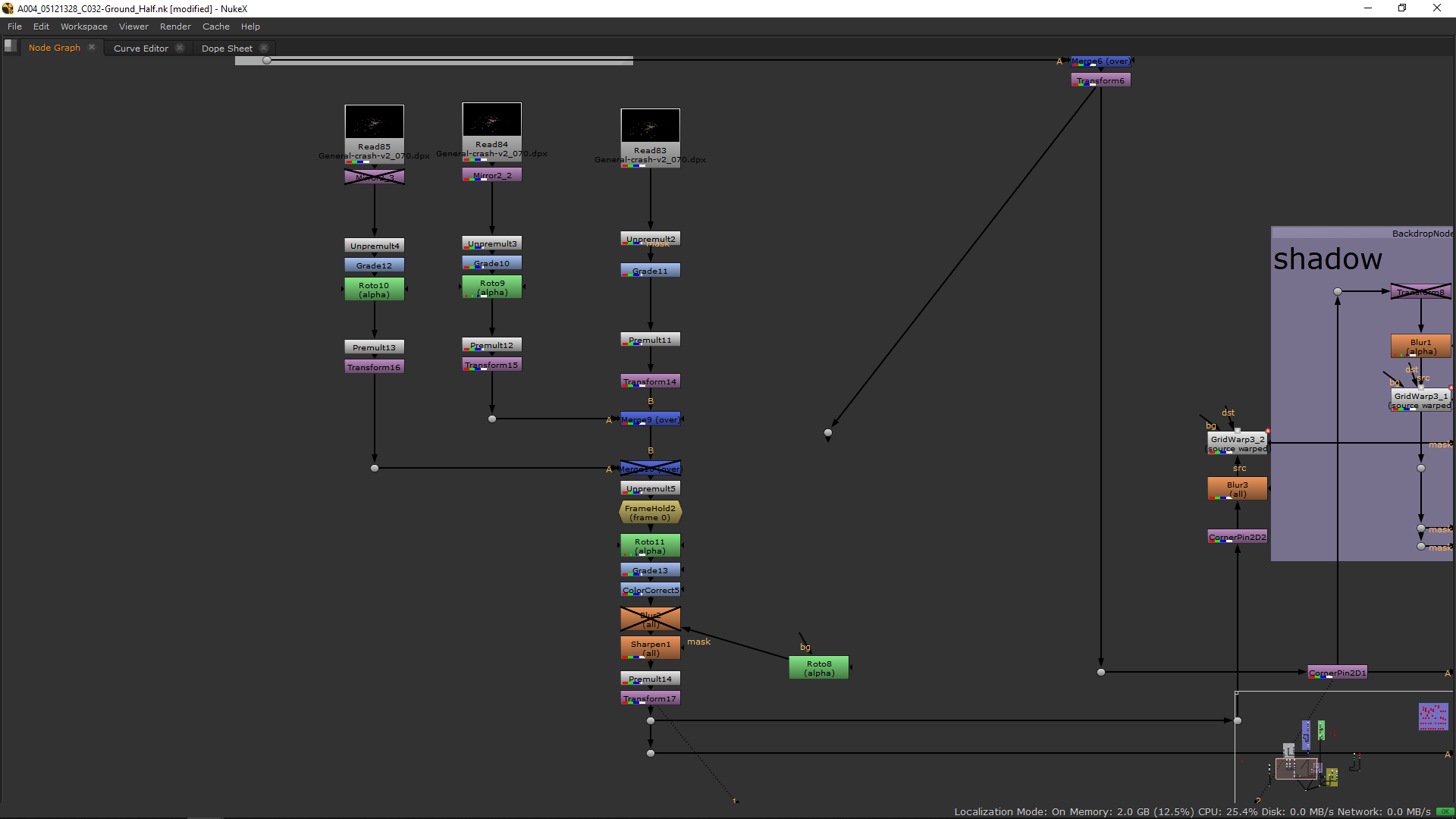
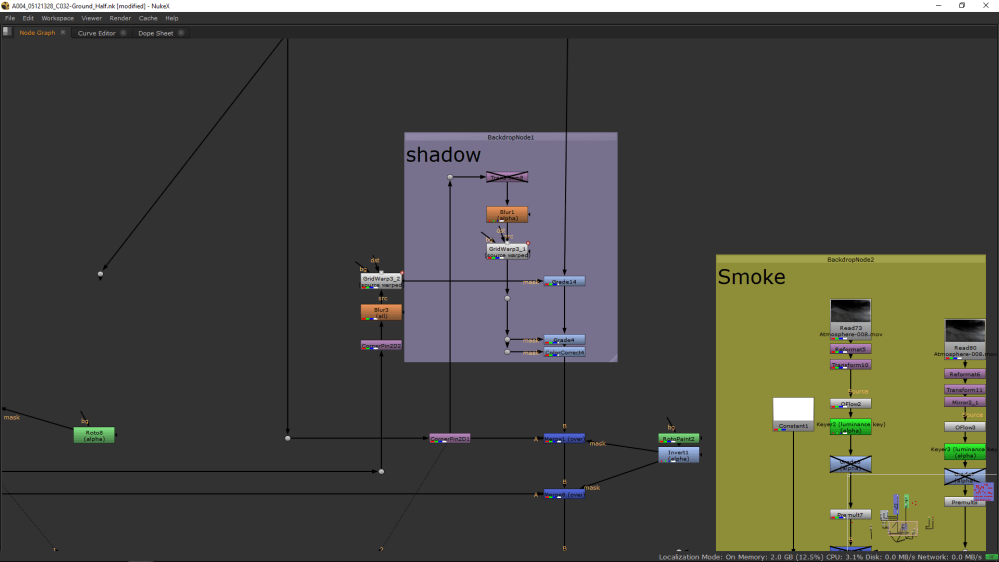
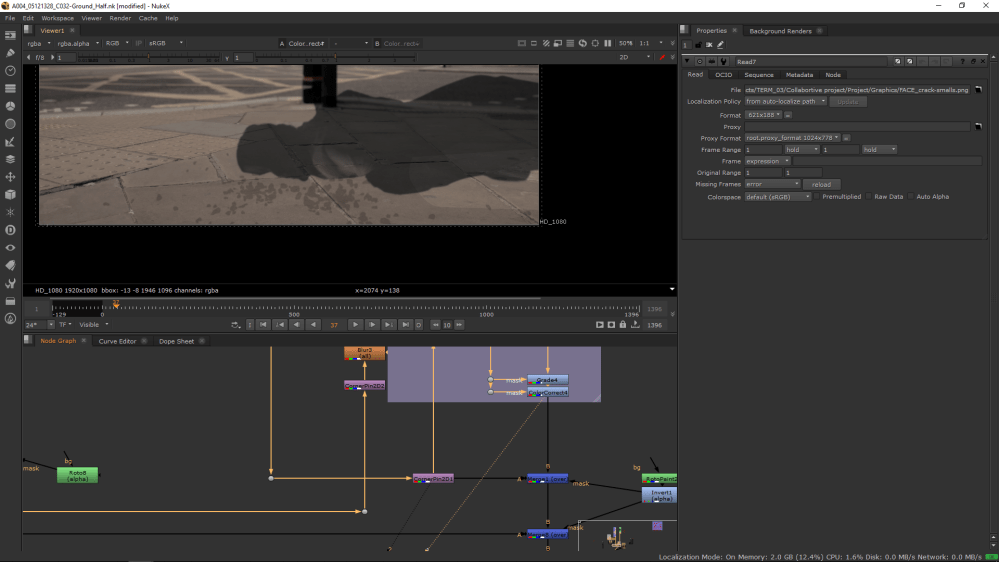
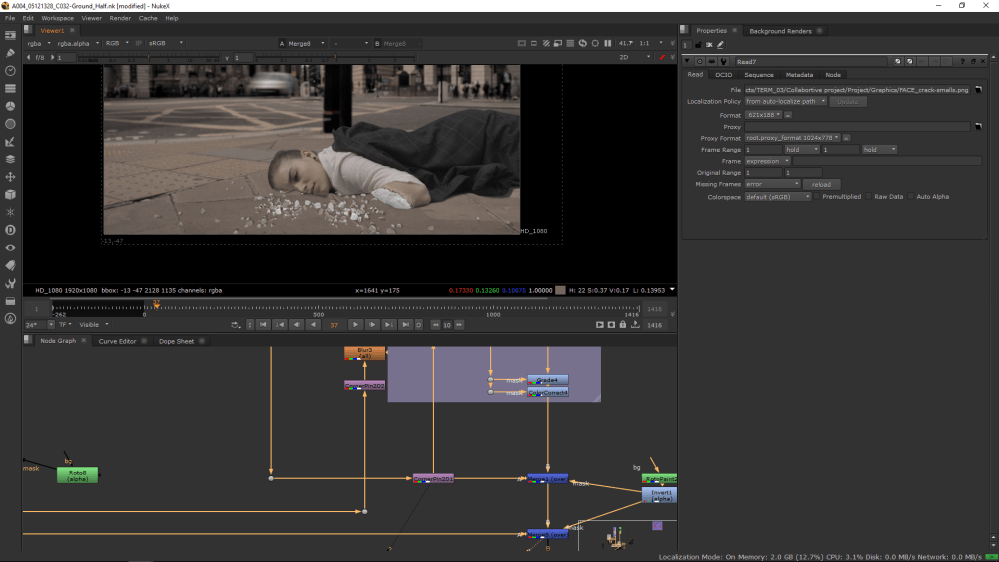
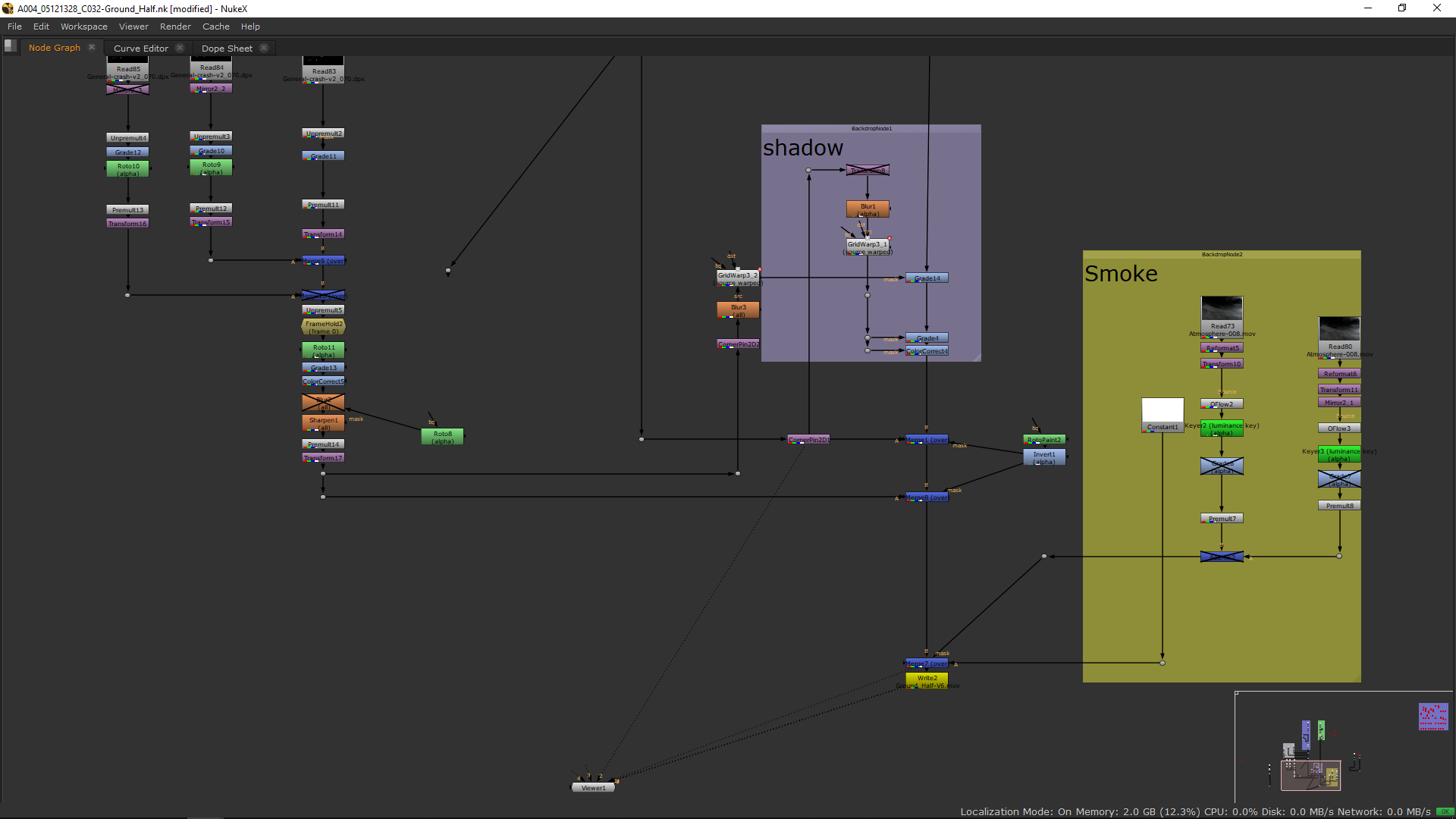
Once I had all elements done, I added some transfromation nodes as corner pin and grid warp and I used it as a mask for a grade and color correct in order to make the shadows. Finally, I merged all over the Background with sradow.
 Smoke
Smoke
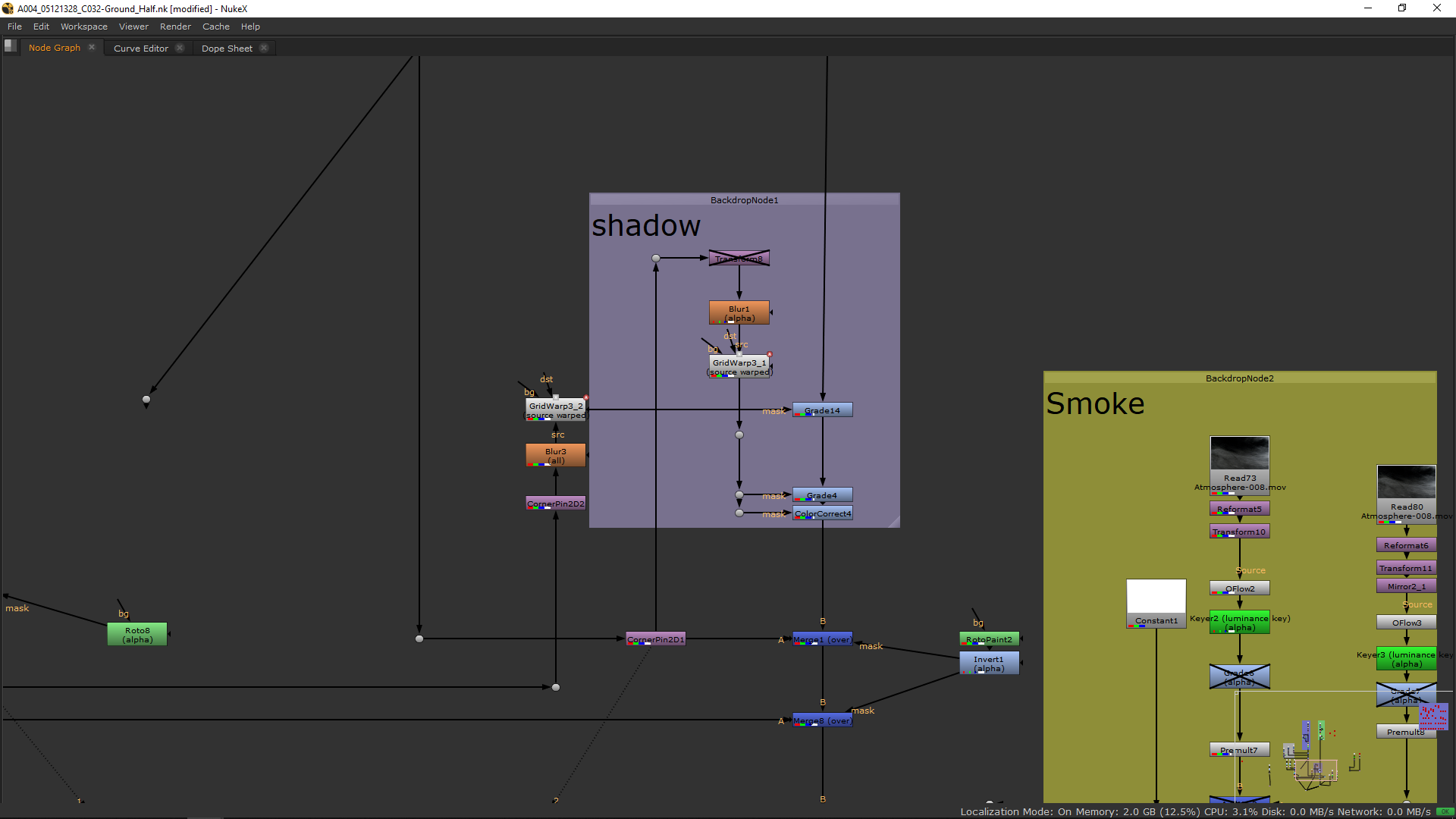
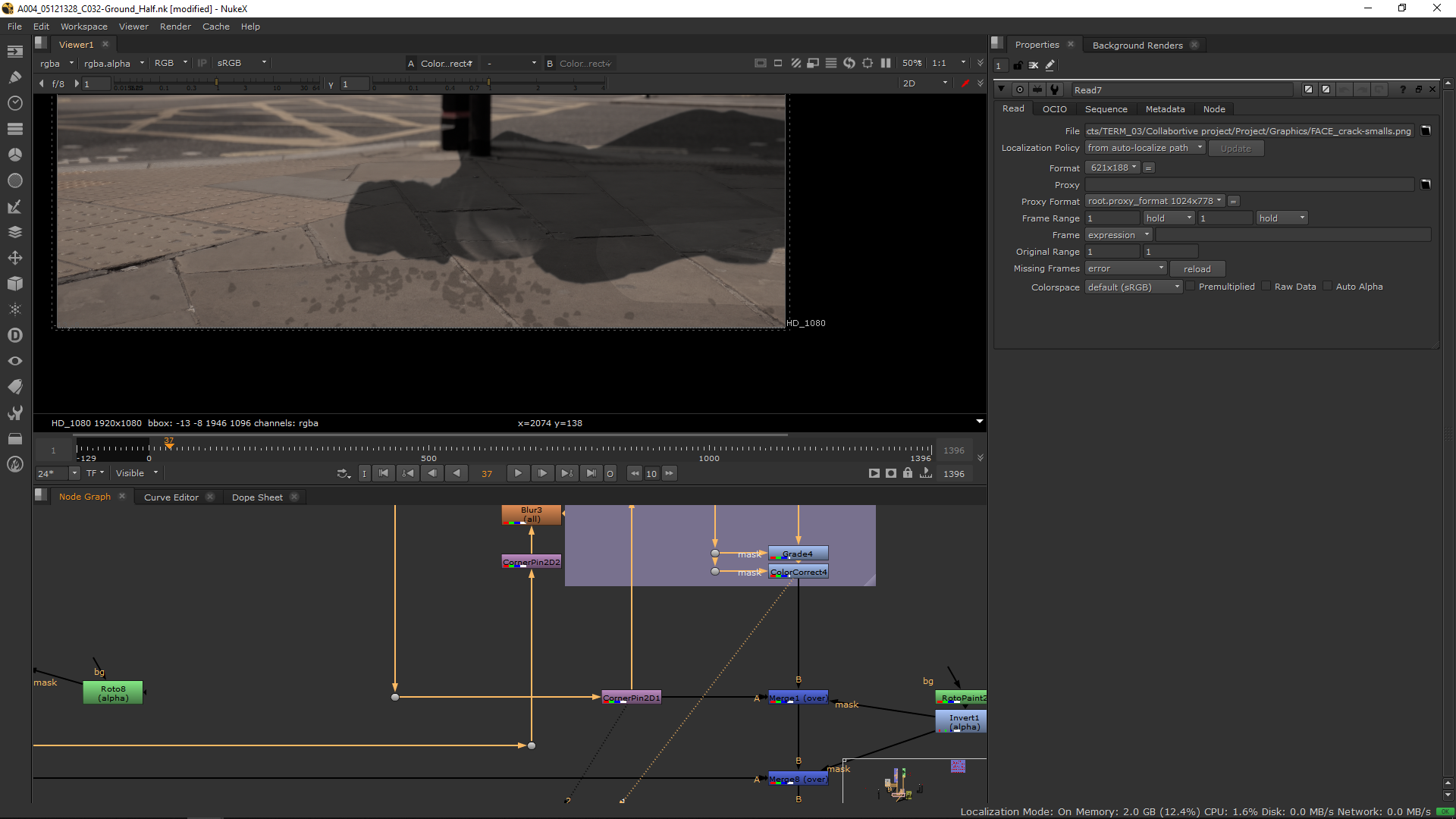
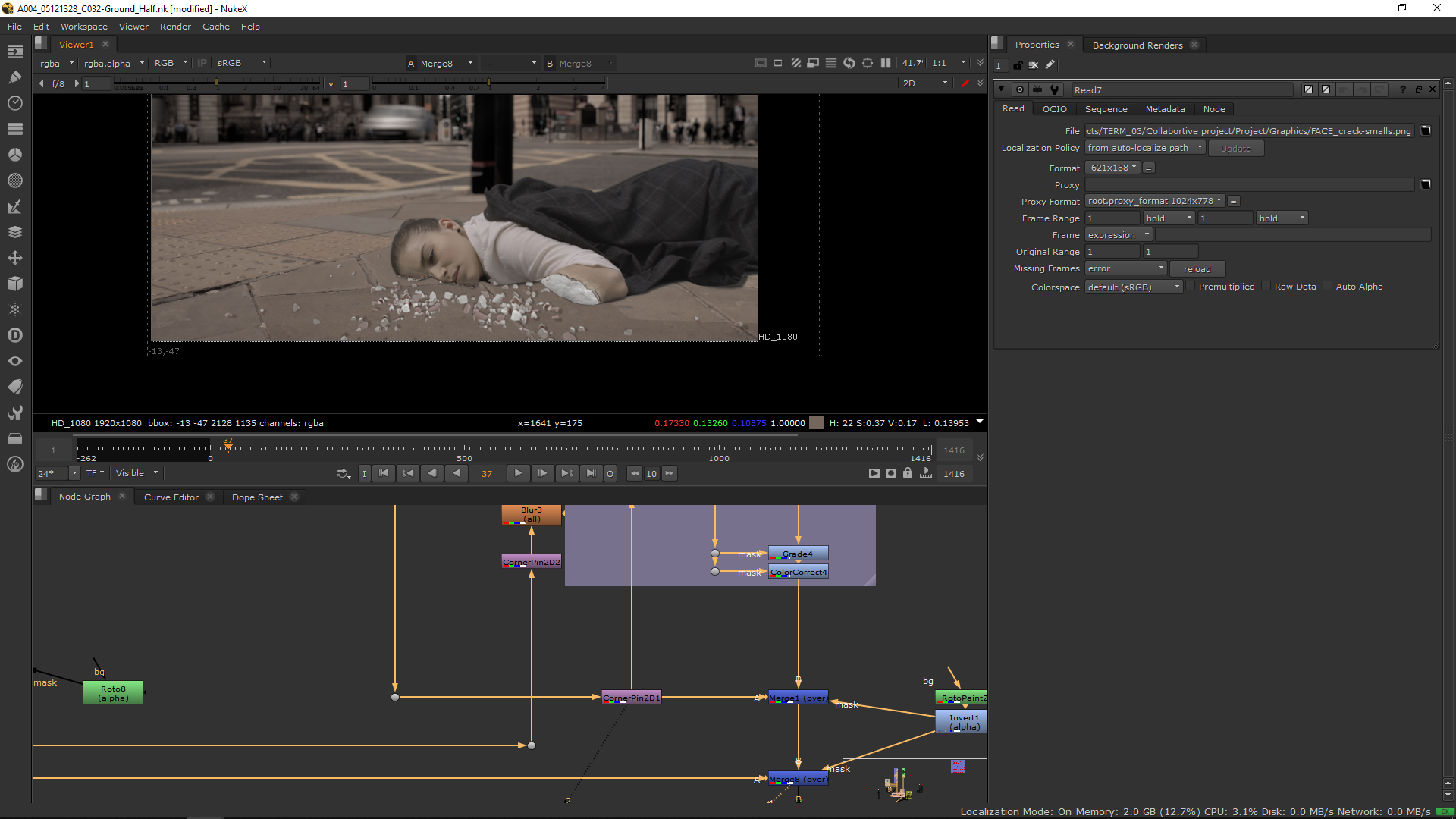
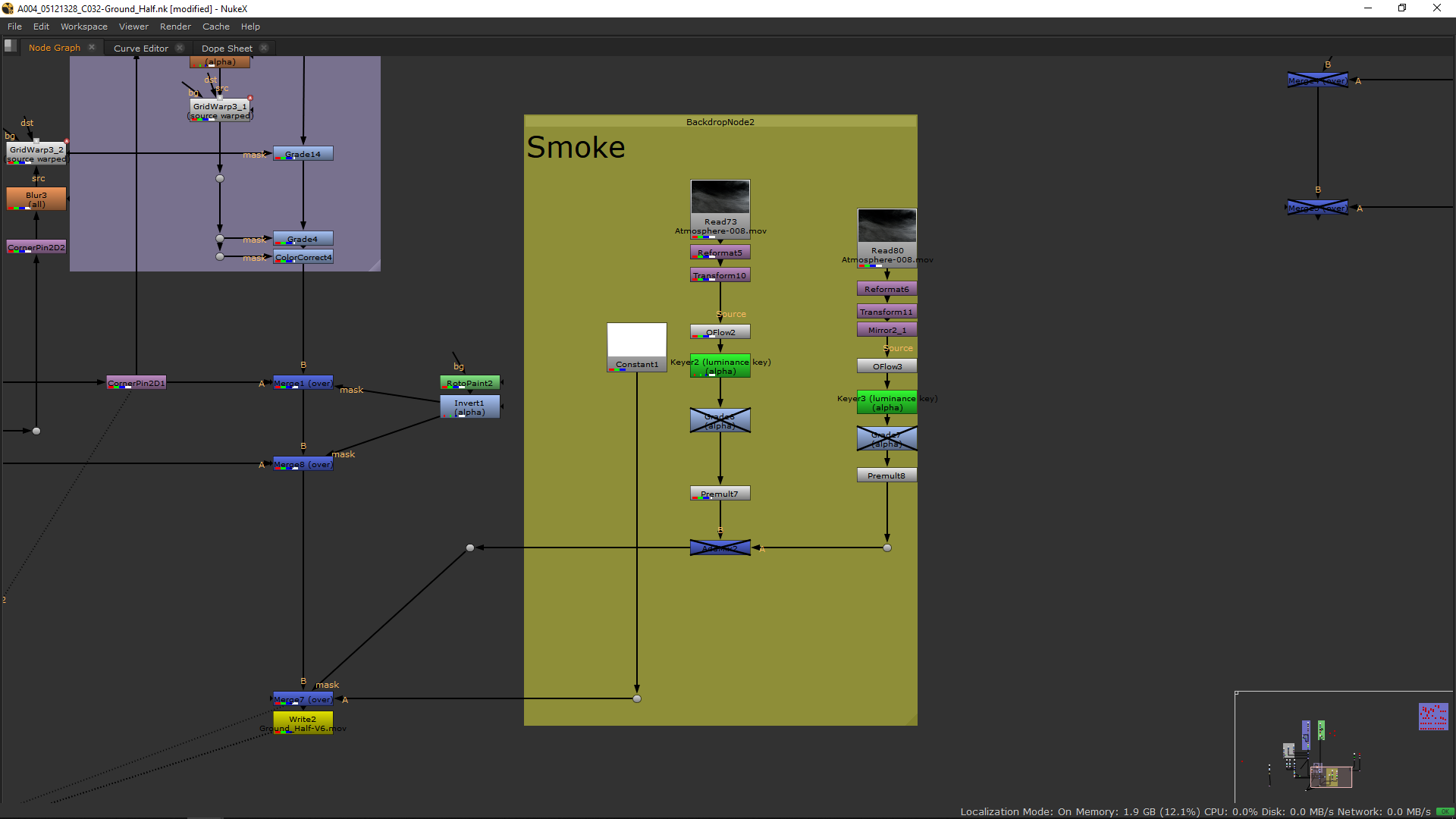
In order to make the cracking effect more realistic I added some smoke which slowly disappears. For that, I took the footage from FX elements, transfrom it, grade it, change the speed, and premultiply it to use it as a mask in order to merge a white solid over the footage.
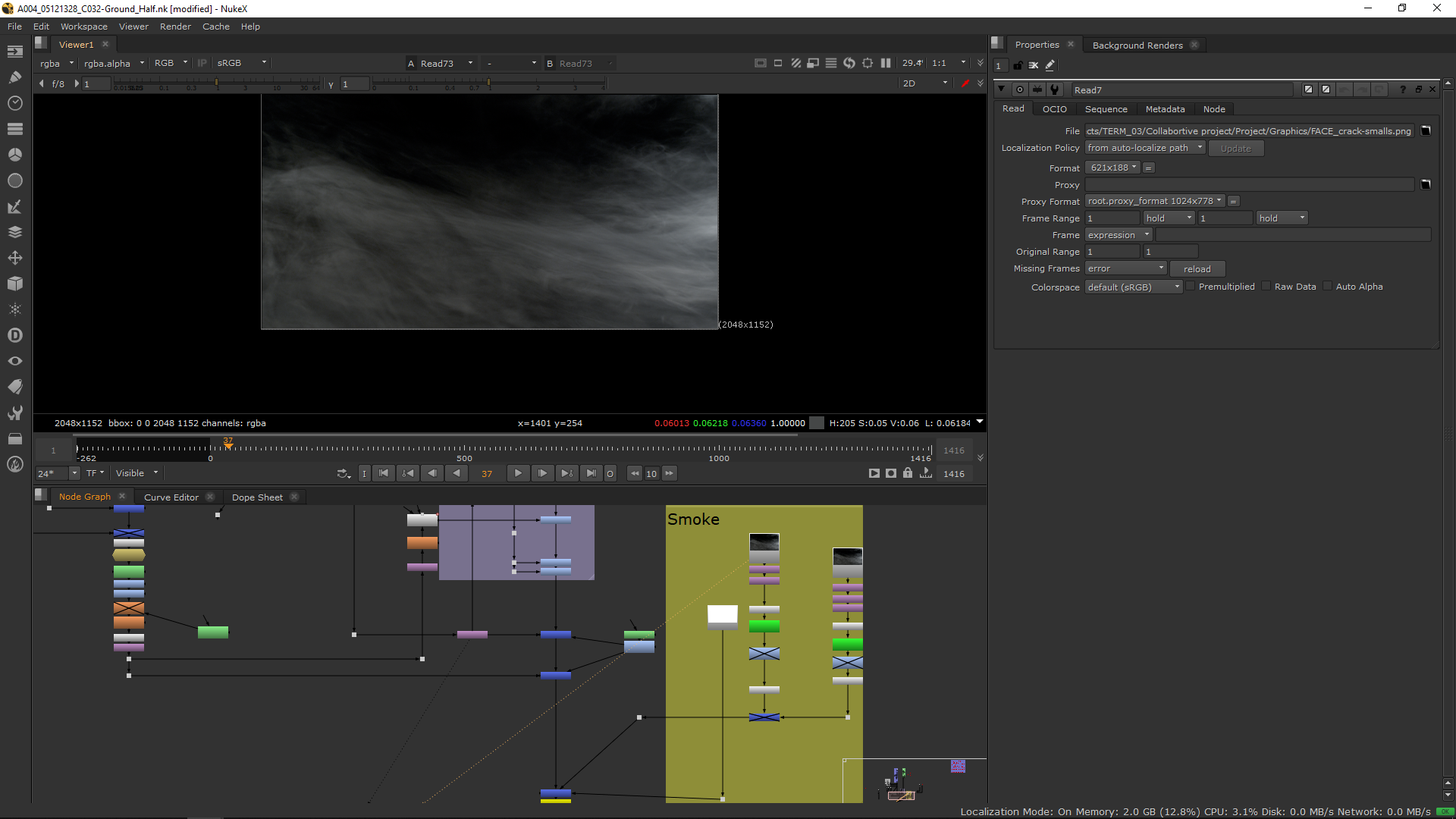
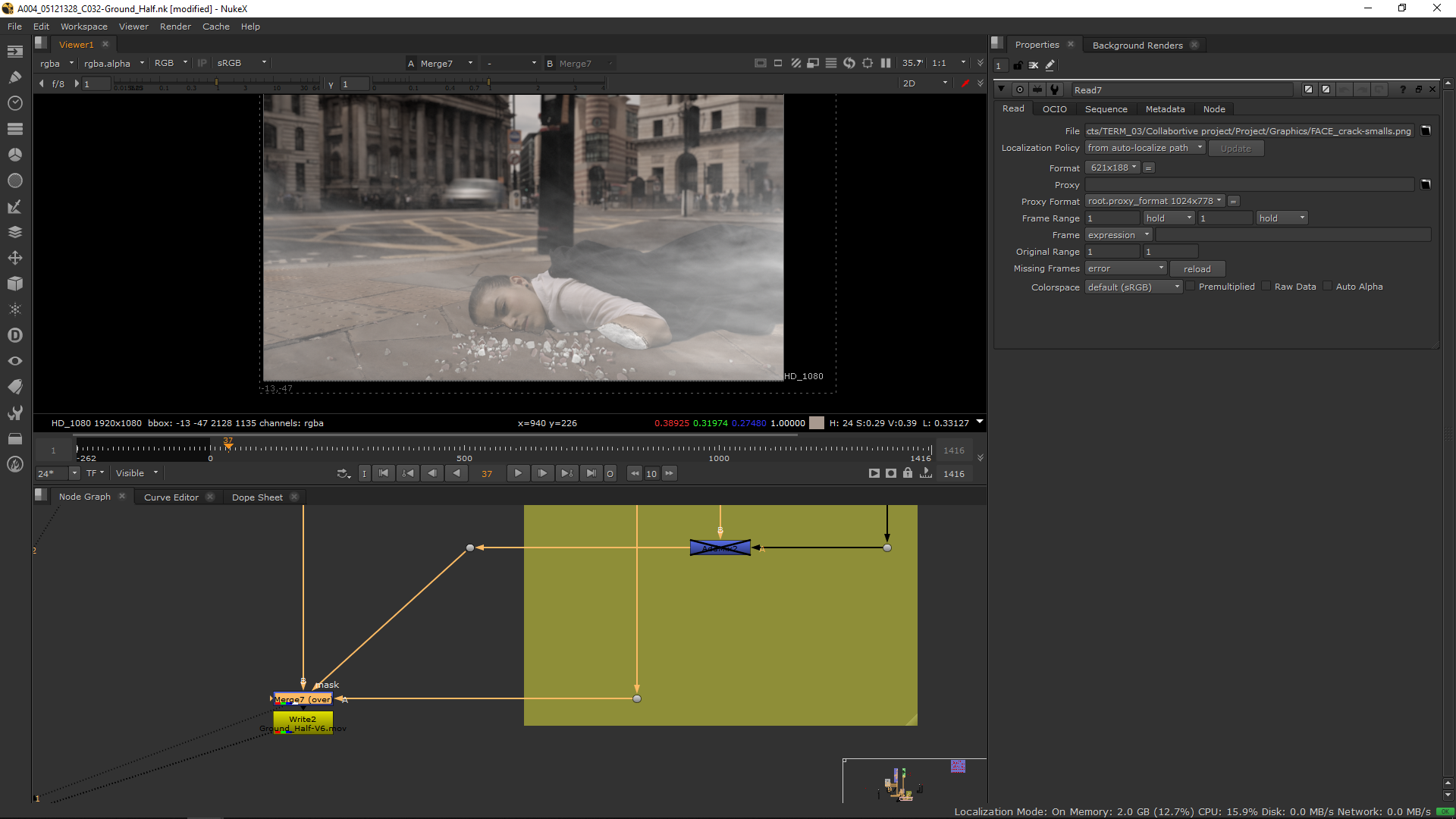
Final Script
Finally, the shot is done.

 MA Visual Effects