 Presentation of the brief and final result
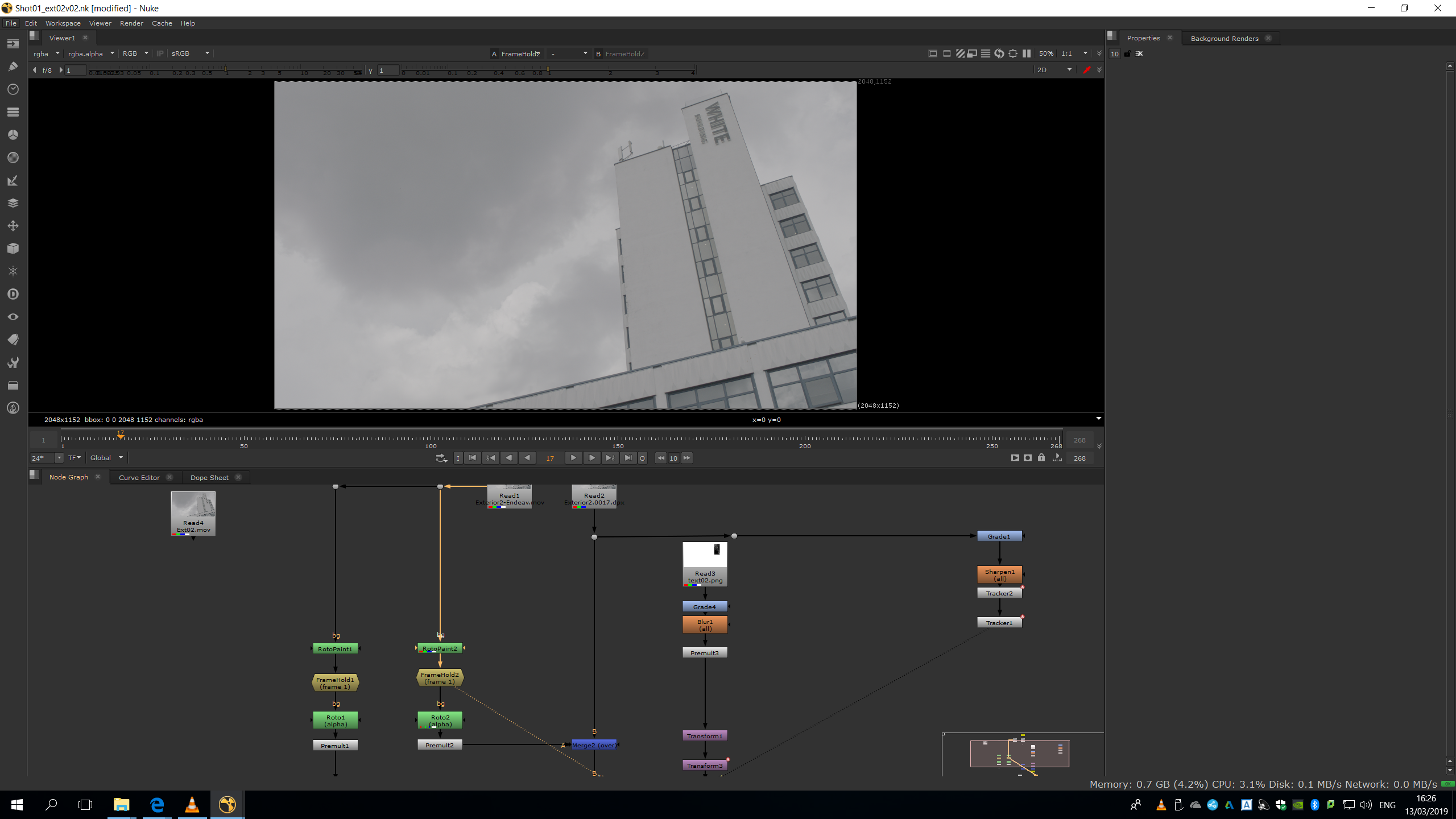
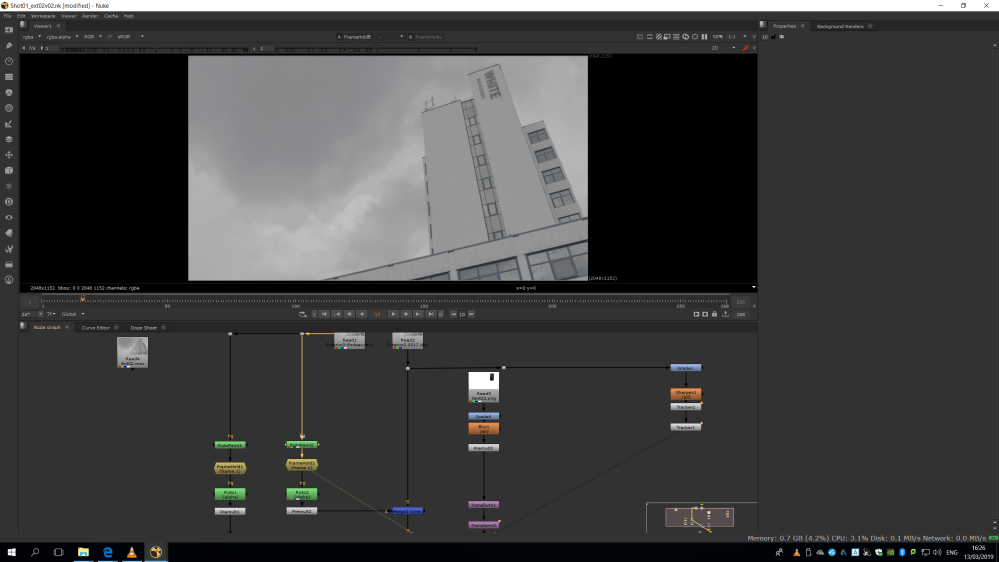
For this first shot, the brief was to remove the “White Building” letters from the building and replace them for “Endeavour Institute”, and remove the lightbulb. We were asked to use the font Didot for the new text.
In the following video, we can see the project, including the original footage, the first version, the final version and the VFX breakdown.
Now, I am going to go through he whole script and the corrections, in order to explain how did I get to the final result and explain very step.
Analysis of the script
Prepare the footage
The first thing we need to make while editing a footage is exporting that footage into .dpx format. DPX format exports every frame of the footage as a single image with no compression, this means that is a lossless format, bigger than the original .mov format. Therefore, it needs to be done to preserve the maximum quality of the footage while working with it, in order to have a major quality in the final exportation. Otherwise, while working on a shot, it is unavoidable to lose some quality, but if we work over a .dpx this looseness it would not affect to our final exportation, since we are going to be working with a huge footage.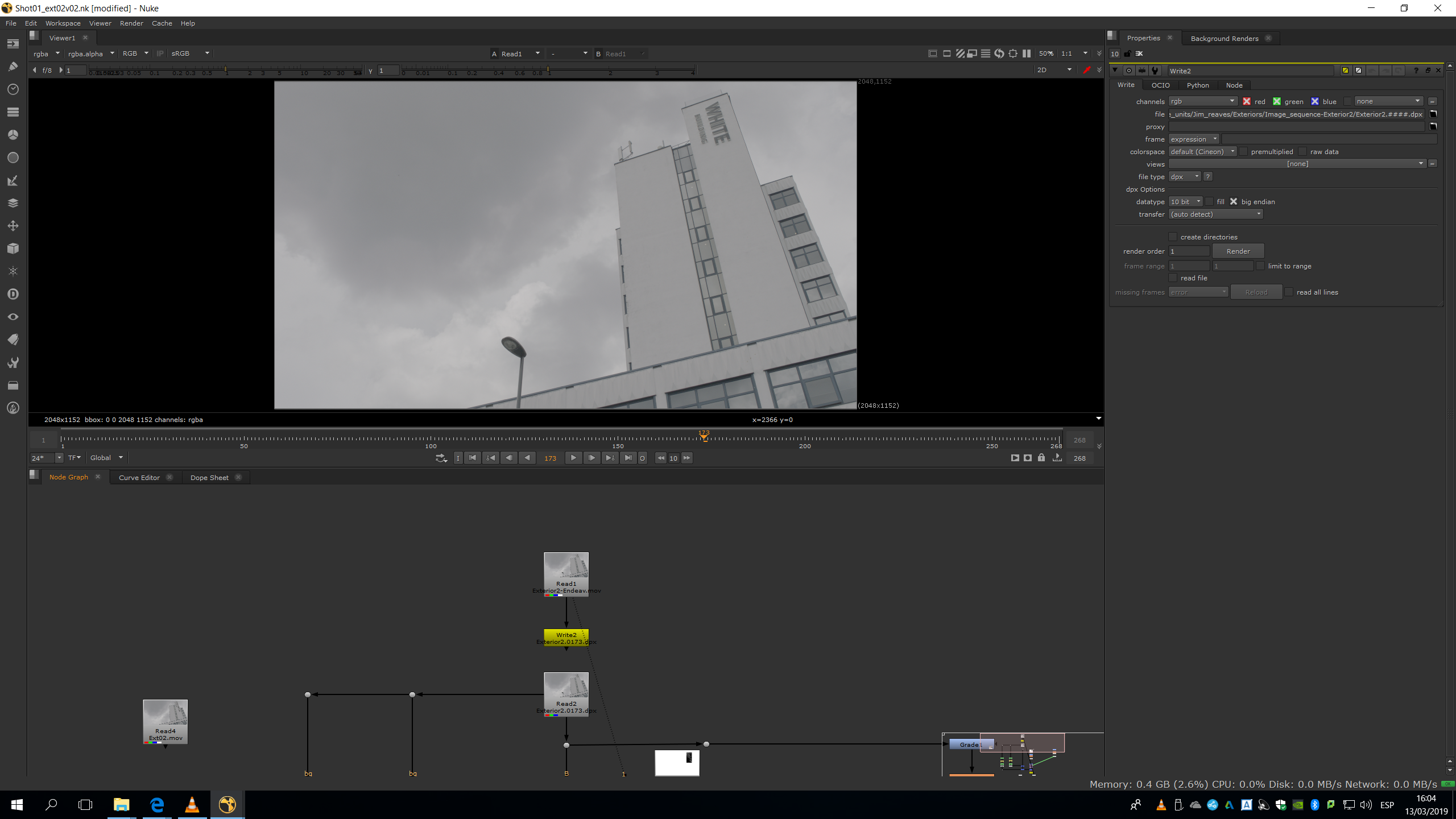
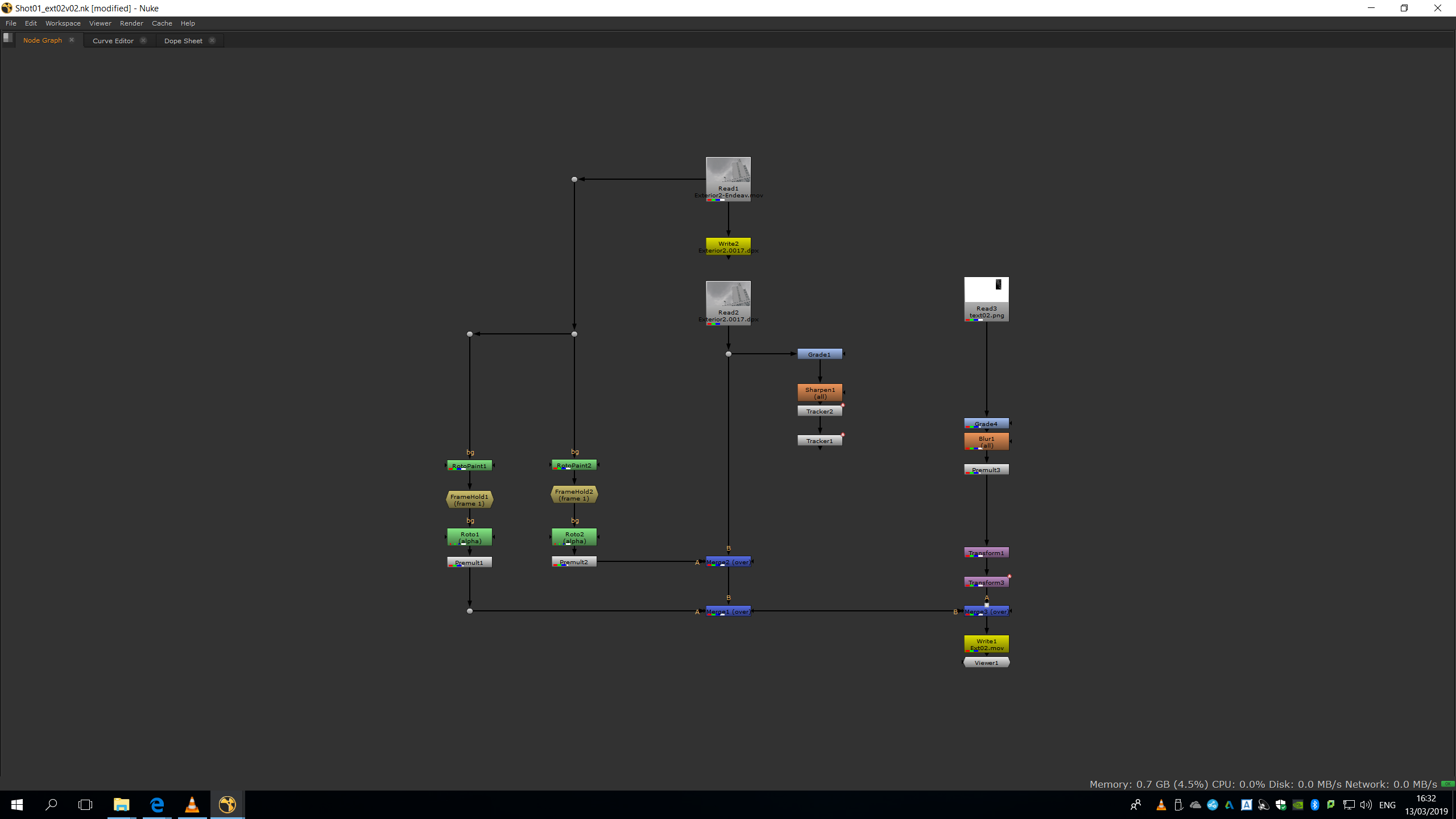
To obtain the desired result, we will need to remove the lightbult, the writing of the building, and add new letters. The workflow we did to replace the text is exactly the same as we did in Collaborative Unit | Jim Eaves | Exterior shot 01: do a roto paint to remove the old letters, premult it, merge it over the original footage, do a tracking and copy the transform from the tracking to the premultiplied roto painting. Then, do the new writing in Photoshop with the perspective, read it, premultiply it, and merge it over the building attaching the transformation of the tracker.
For the removal of the lightbulb, we also made a roto painting in frame 1, adding a Framehold afterwards.
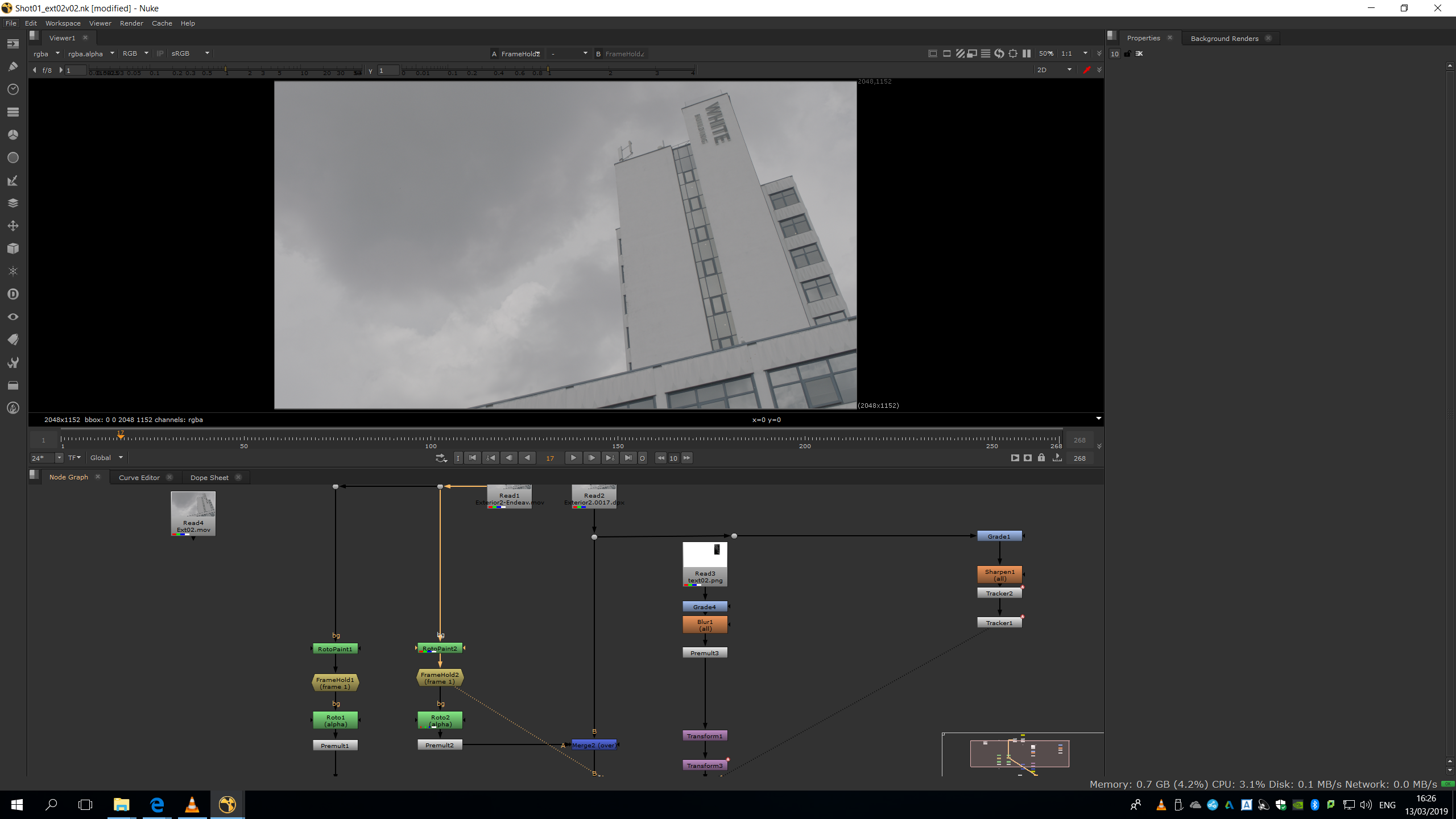
Then, we did a roto in roder to be able to premultiply it, but this time the roto has a lot of feather so the movement of the clouds is not noticed.
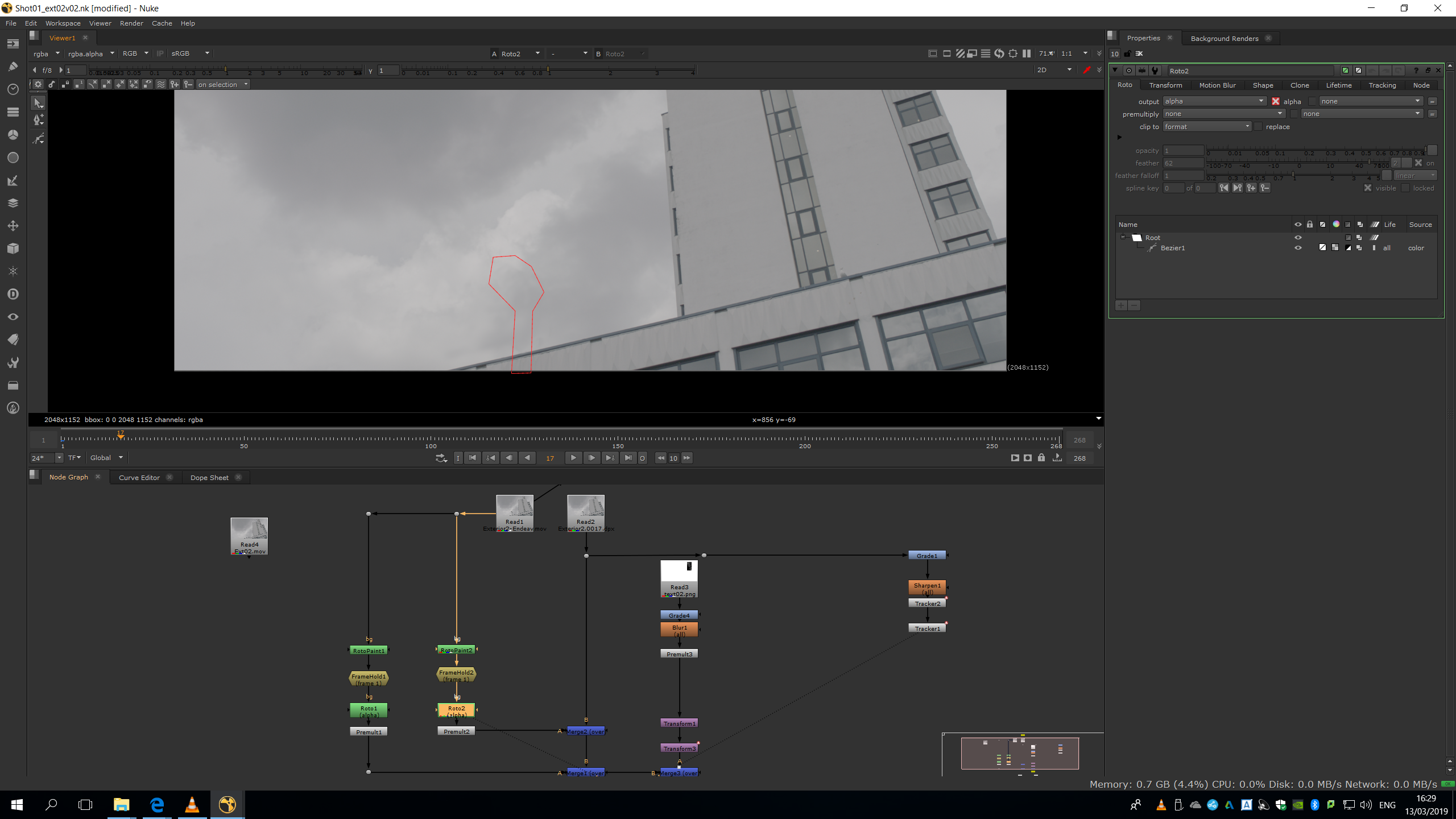
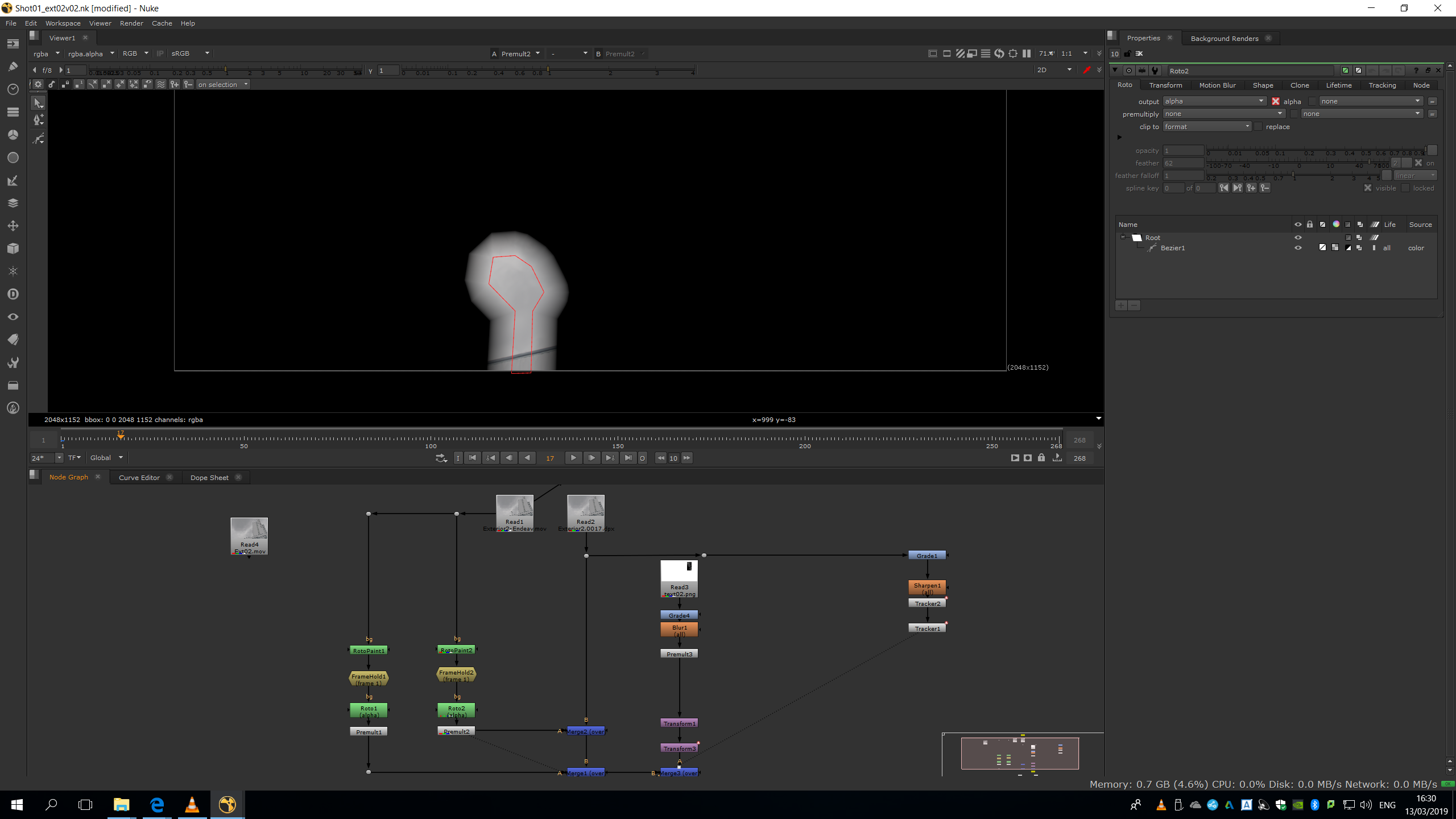
Script overview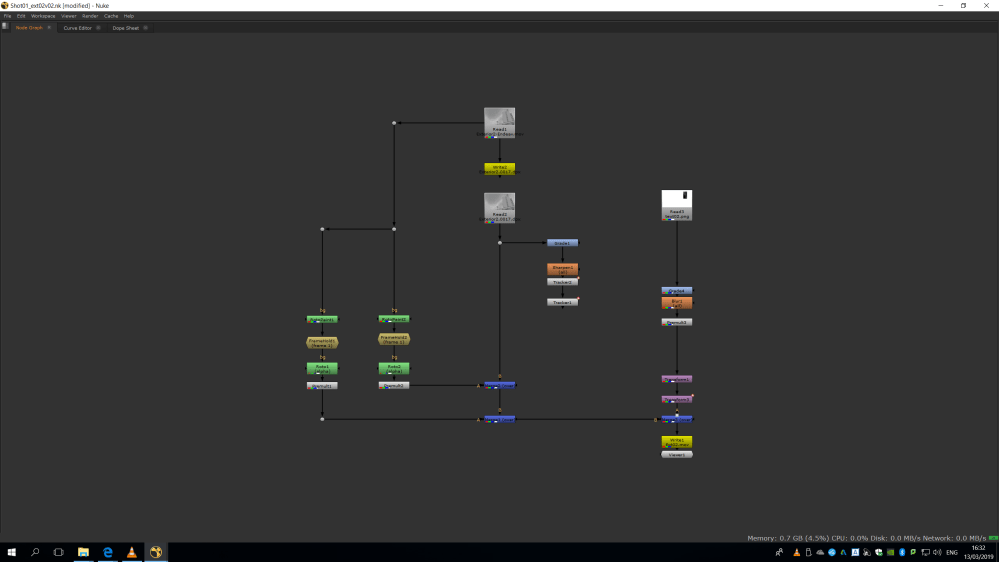
Corrections
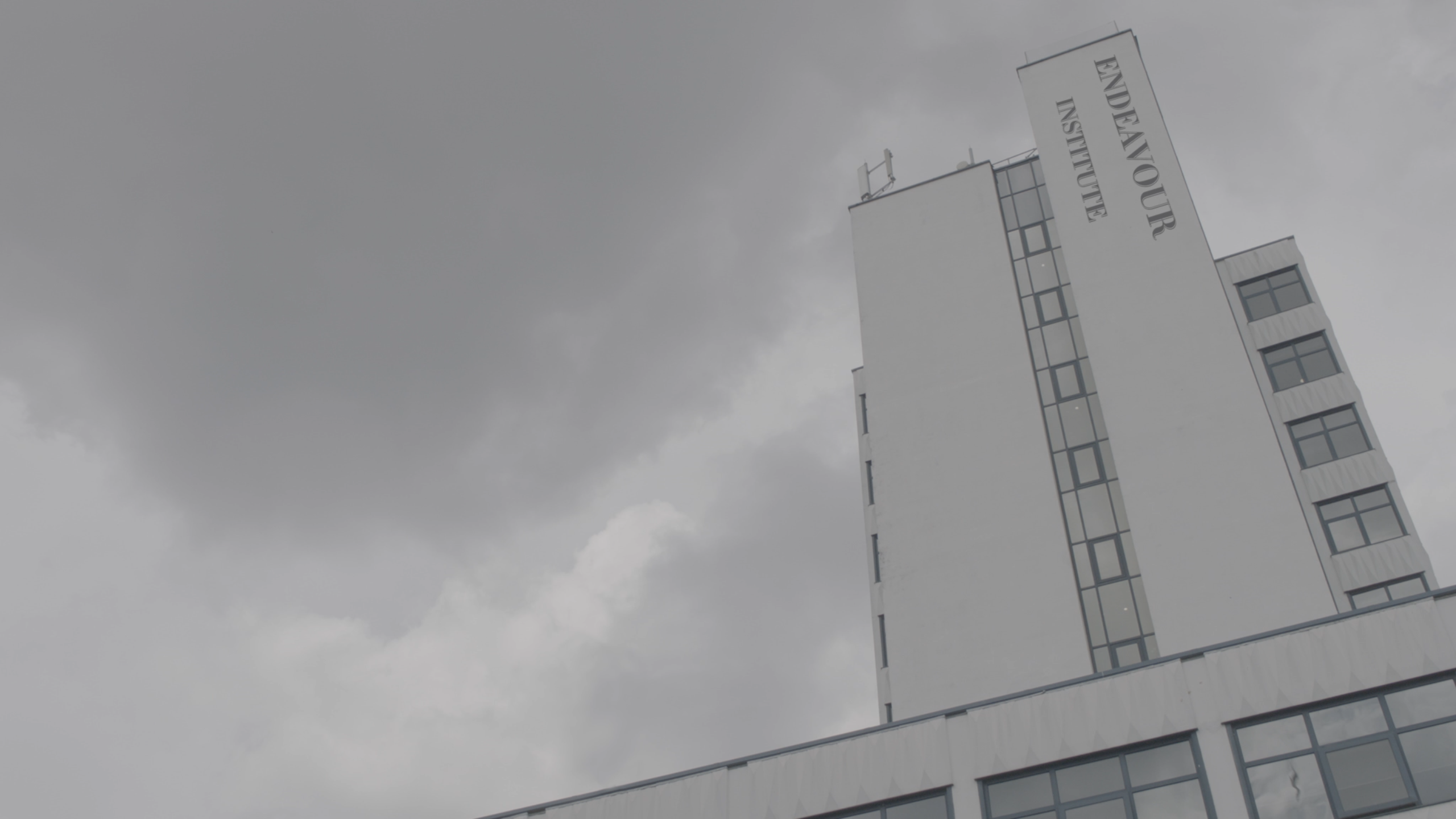
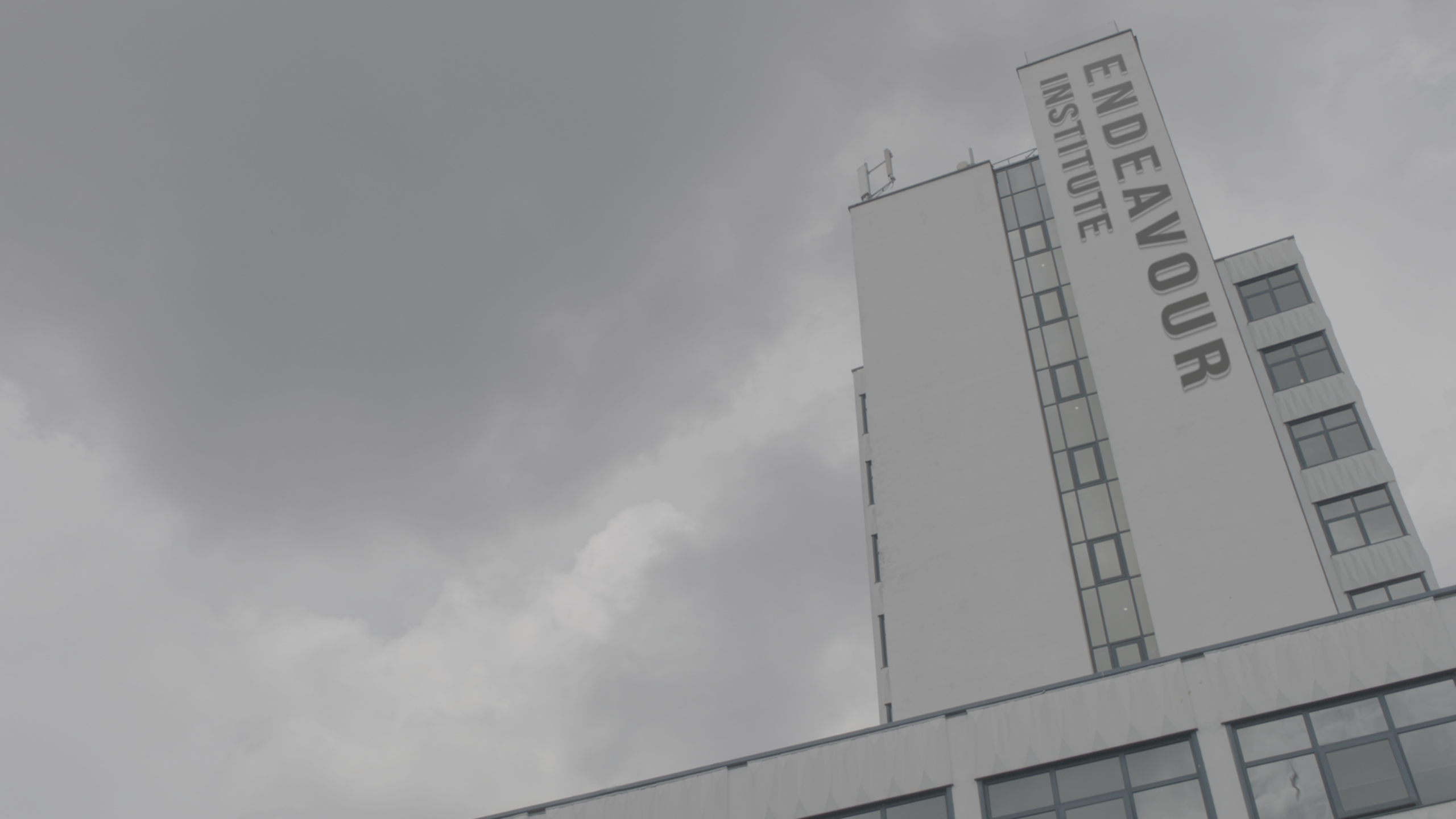
The corrections were the same as in the exterior shot 01: Do the text bigger and change the font. We can see the difference between the first and the second version.

 MA Visual Effects