Dart integration
In the script, my idea was of creating the effect of time stopping. For that, e recorded a scene in which the girl remains still after throwing the dart, and the camera spins around the room until she moves back again. In that scene, we would also need the dart to be still, and for that we need 3DCGI integration.
The steps we will need to follow are:
- Get the 3D model of the dart, map it and assign the correct materials
- Carmera track the shot we are going to use
- Set the scene in Nuke, putting some geometry where we would like the dart to be
- Export the scene as FBX
- Import the scene into Maya
- Import the 3D model of the dart already mapped into the Maya scene
- Create a Skydome with the 360º image and add more lighting.
- Set up the render passes
- Render
- Comp
Therefore, the first thing I did was getting the 3D dart model.
Dart 3D Model
I searched for an 3D model of a dart which was similar to the original one.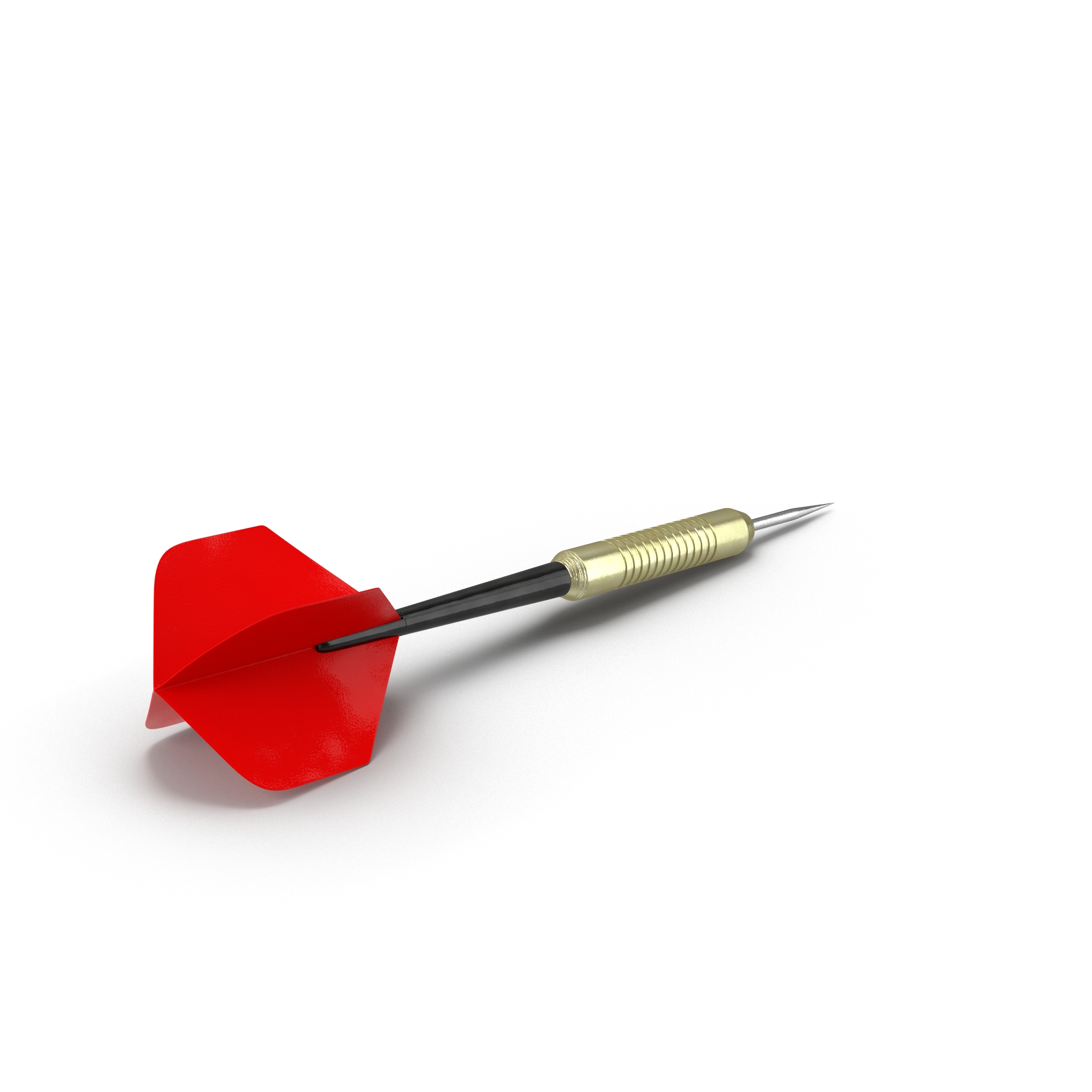
This was the dart I have chosen. The shape is quite similar, even though the materials are not. Therefore, the first thing we will need to change before integrating the dart is the UV texture and the materials.
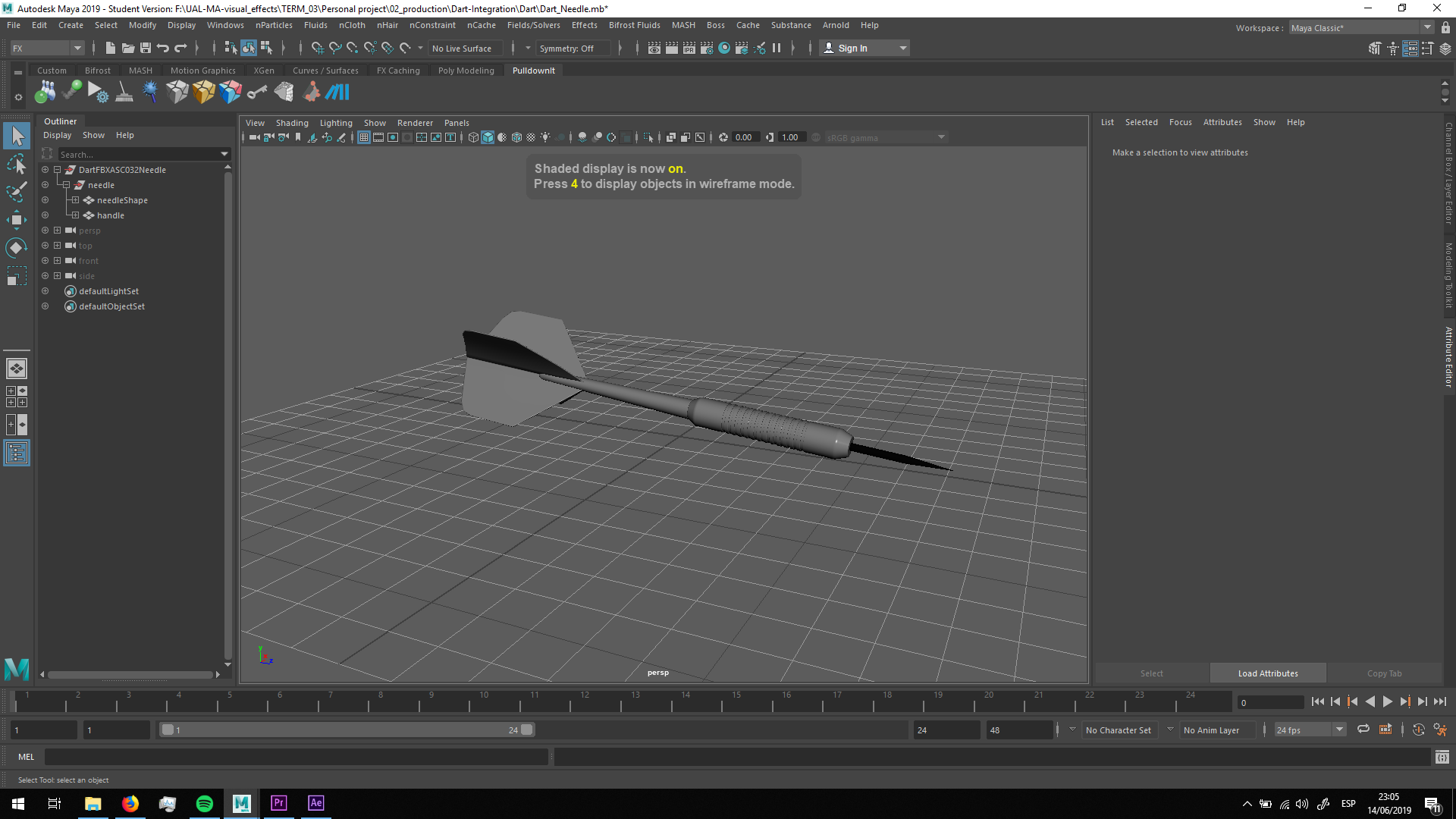
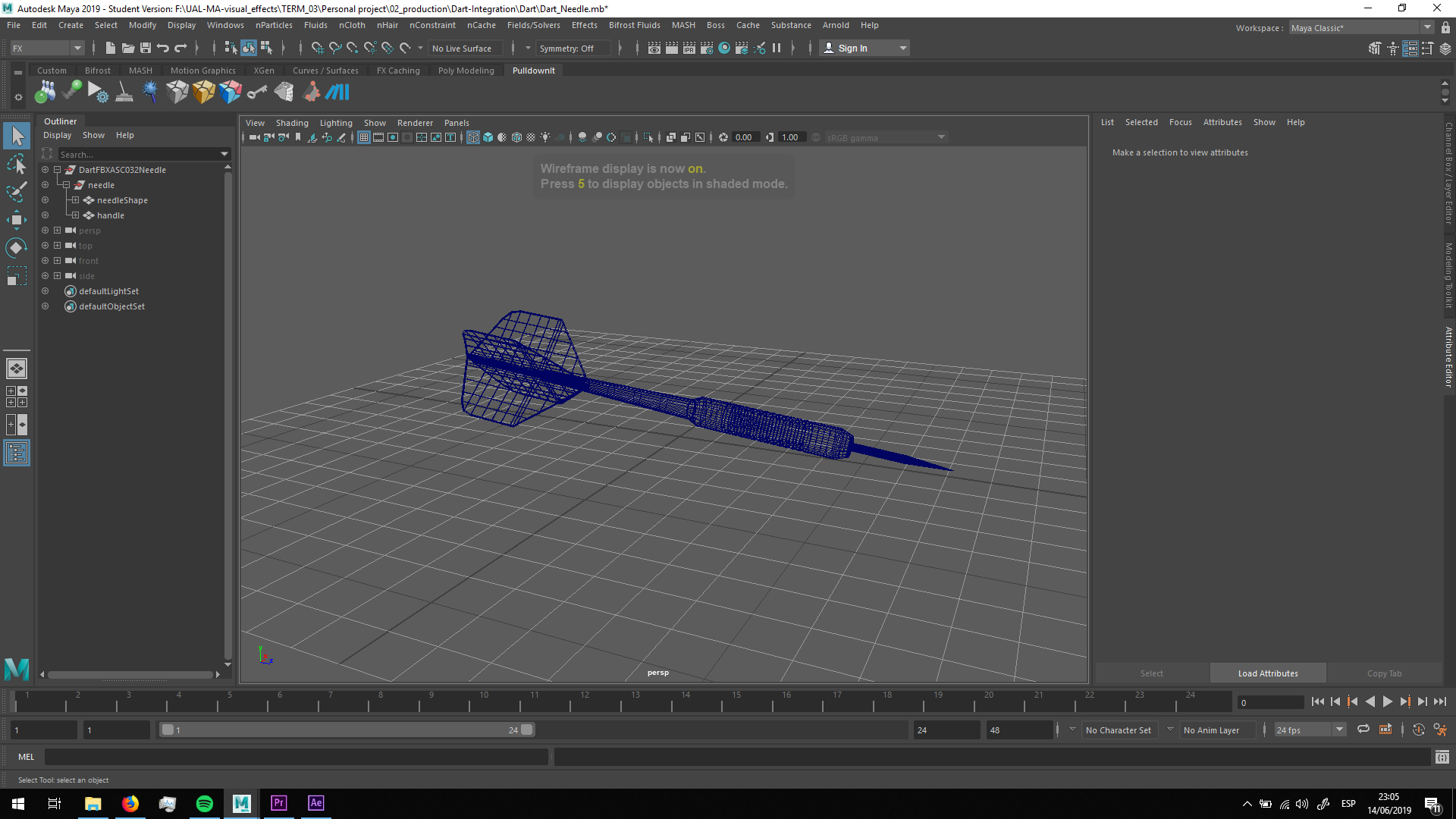
This is the model seen in Maya.
UV mapping
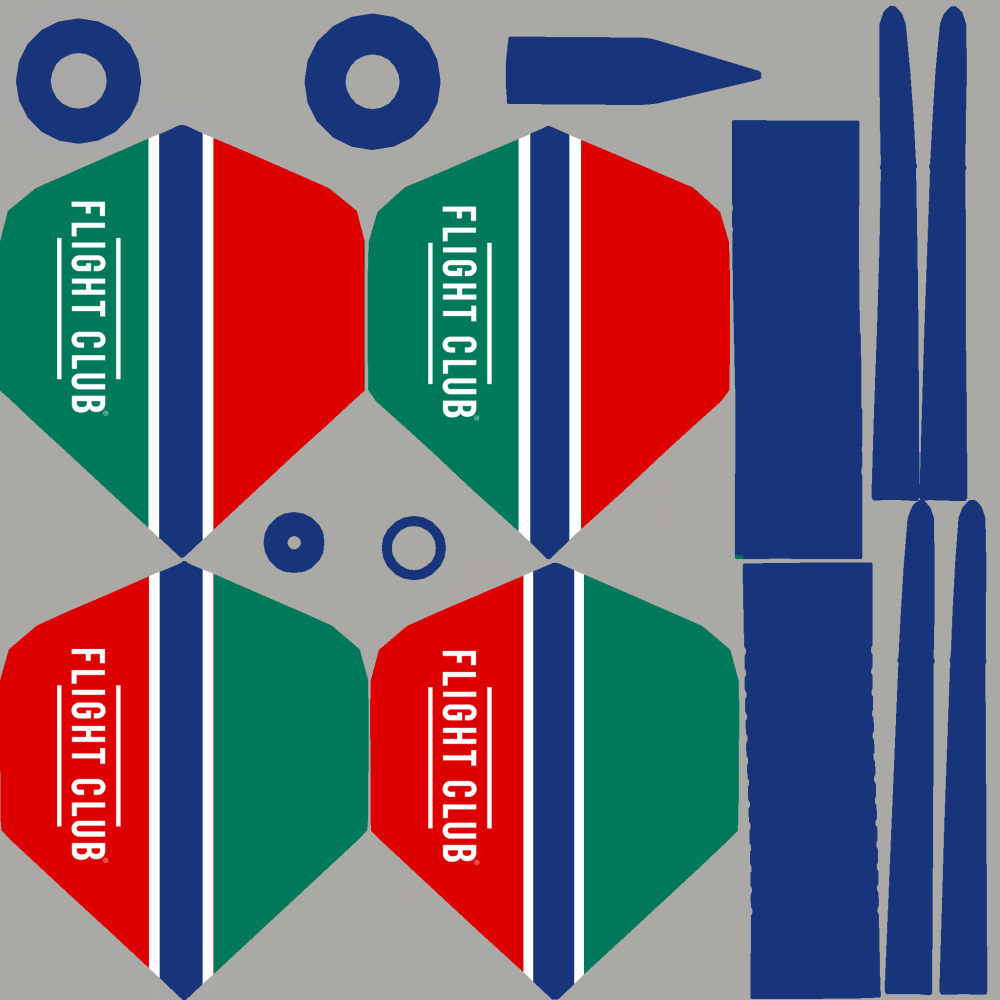
I changed the UV mapping in photoshop, recreating the aspect of the original dart.
 Materials
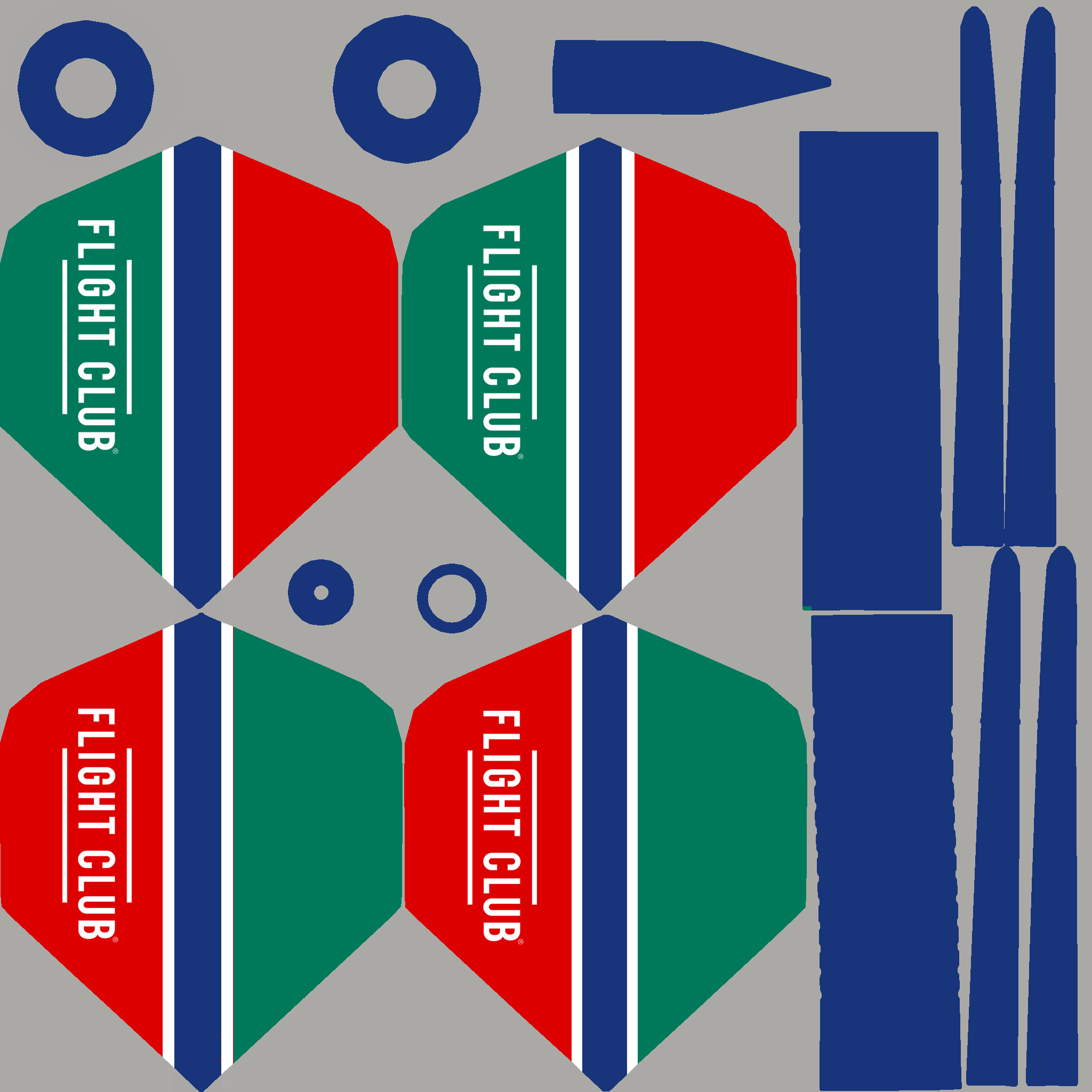
The first thing I did was changing the UV mapping of the dart, obtaining this aspect.
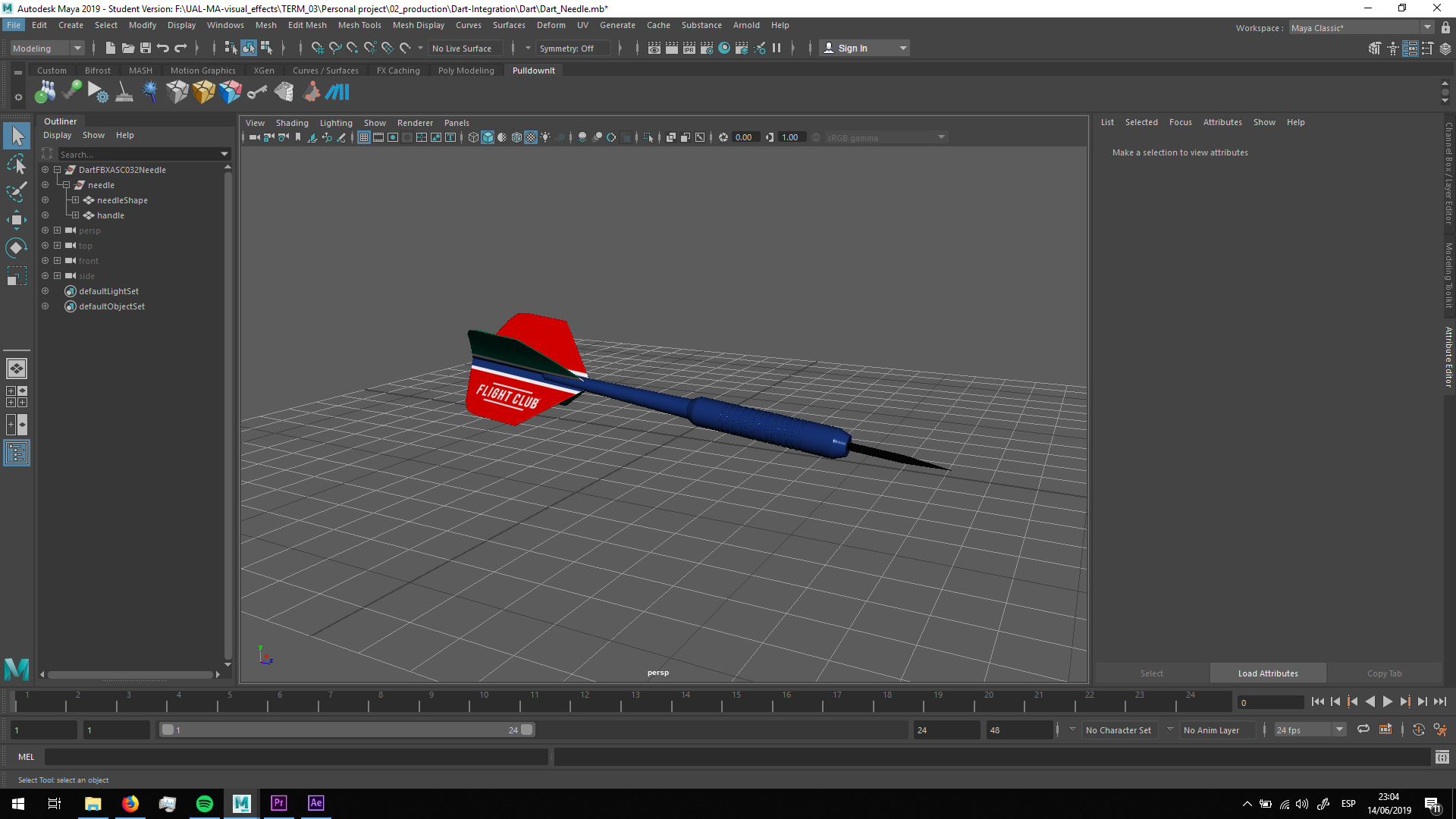
In order to assign the materials, the first thing I did is separate the dart in three different parts: The wings, the body, the hander and the needle, assigning different materials to each part.
Wings
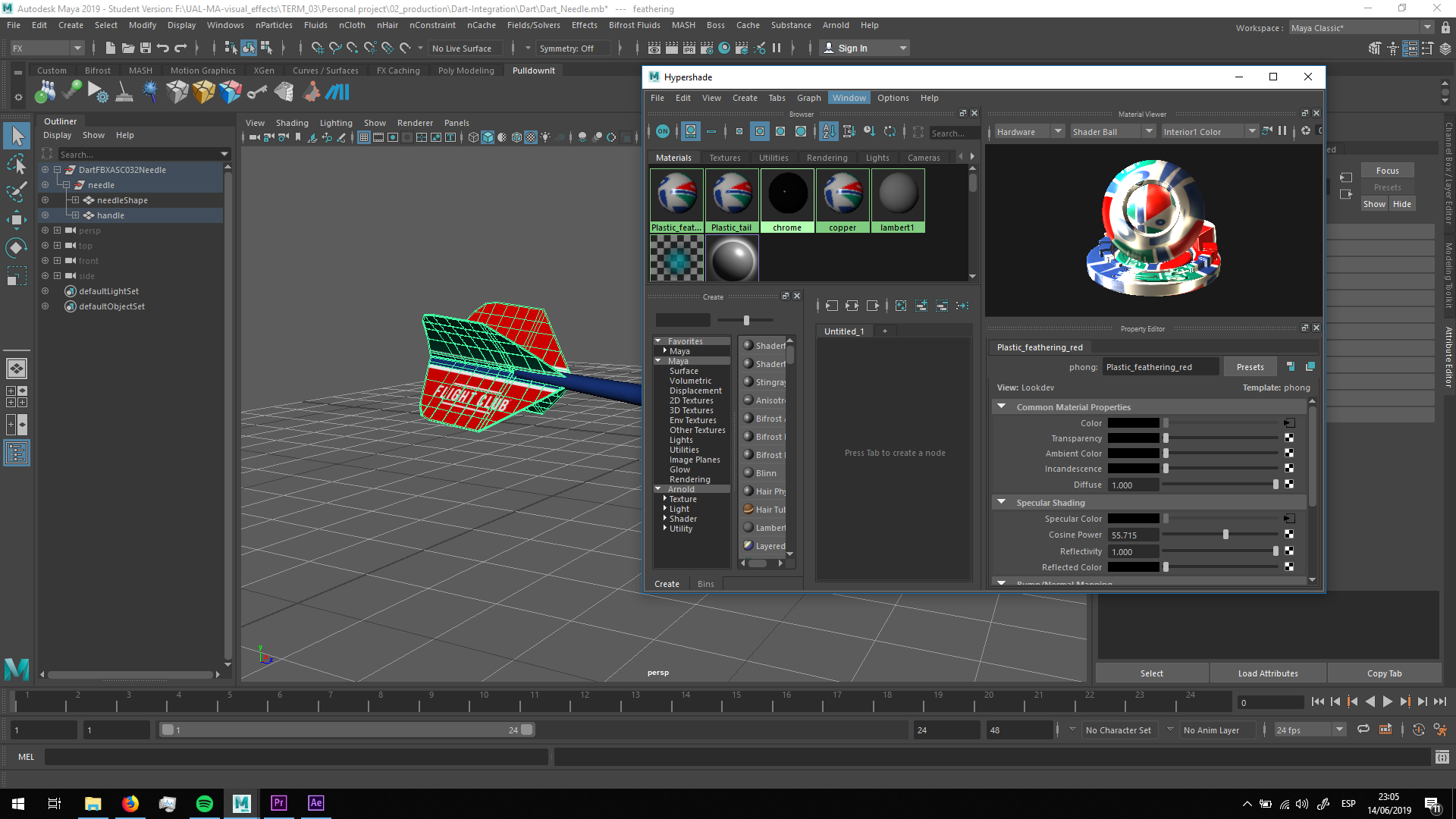
For the wings, I created, with the help of my tutor Christos, a reflective material simulating plastinc.
Body
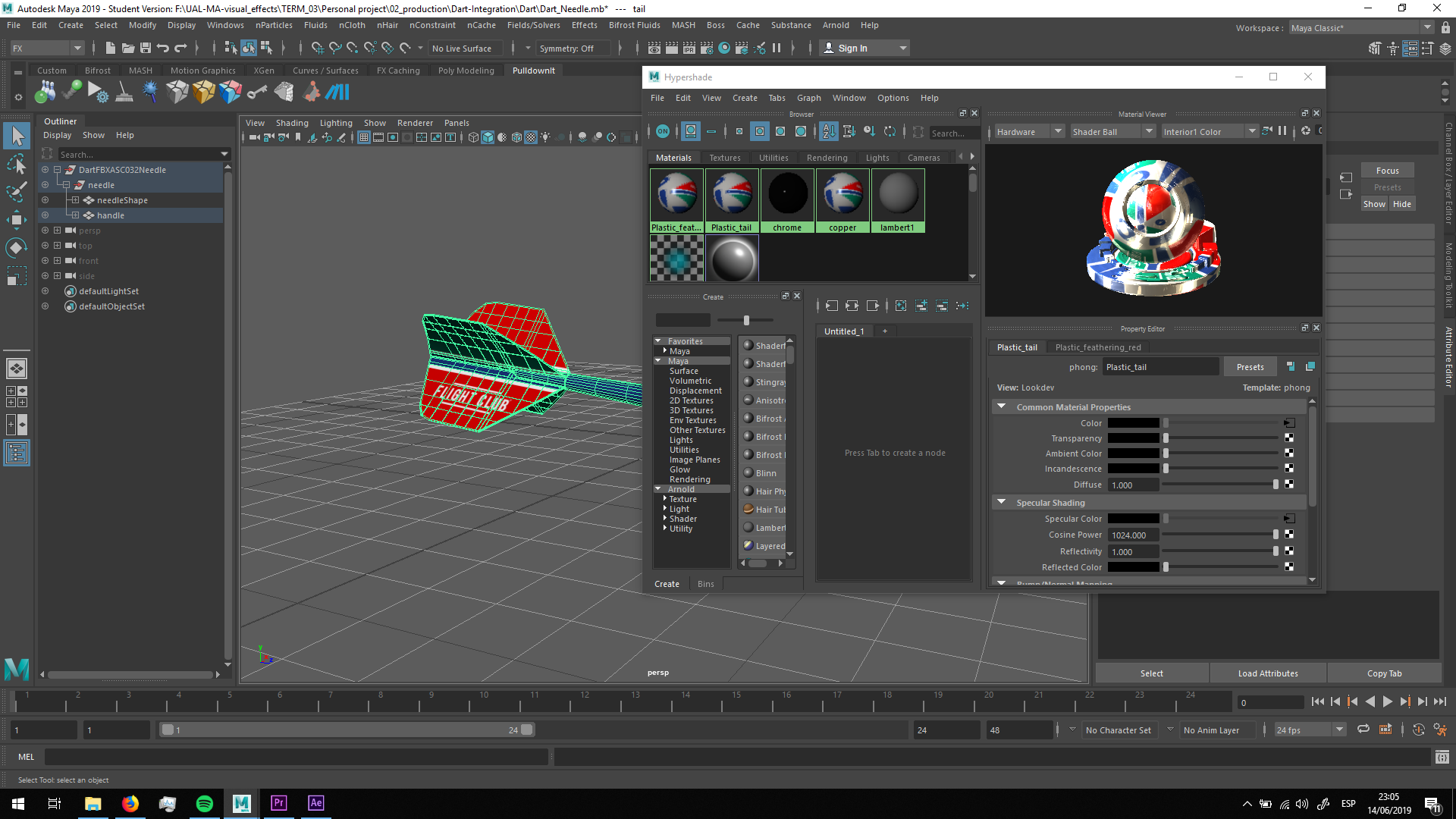
For the body, we did also a specular material simulating plastic.
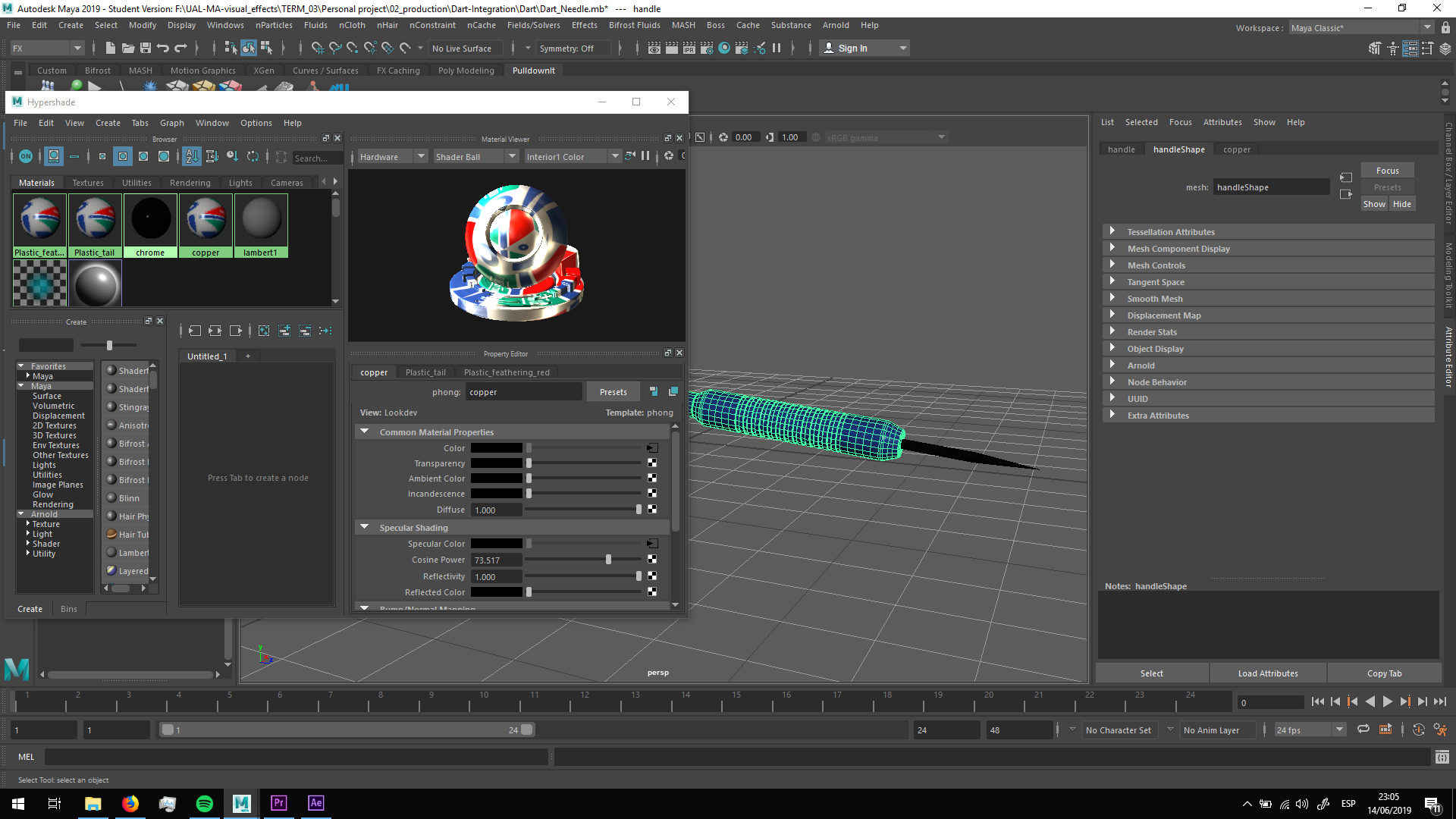
Handler
For the handler, we did a material with less specularity, more matte.
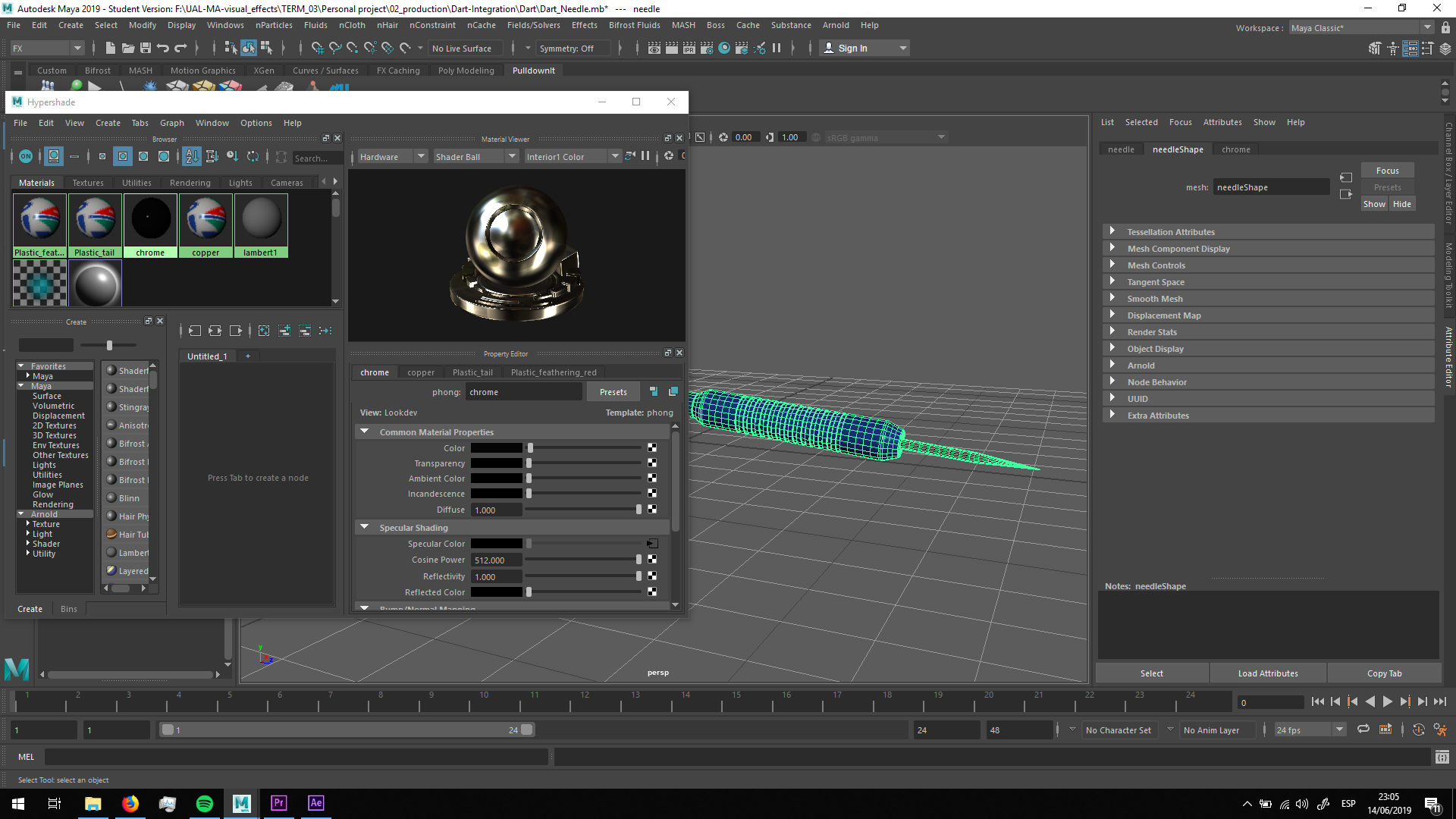
Needle
For the needle, we used a really specular material with no roughness, making it dark ans highly reflective.
As we will do the lighting in the scene, the dart is ready to be placed.

 MA Visual Effects